Free Fire MAX Latest Version
★★★★☆ 4.6 · (31.6M Reviews)
2.130.1
476 MB
500M+
OS 5.0+
100% Secured & Verified APK Files
App Preview

What Is Free Fire?
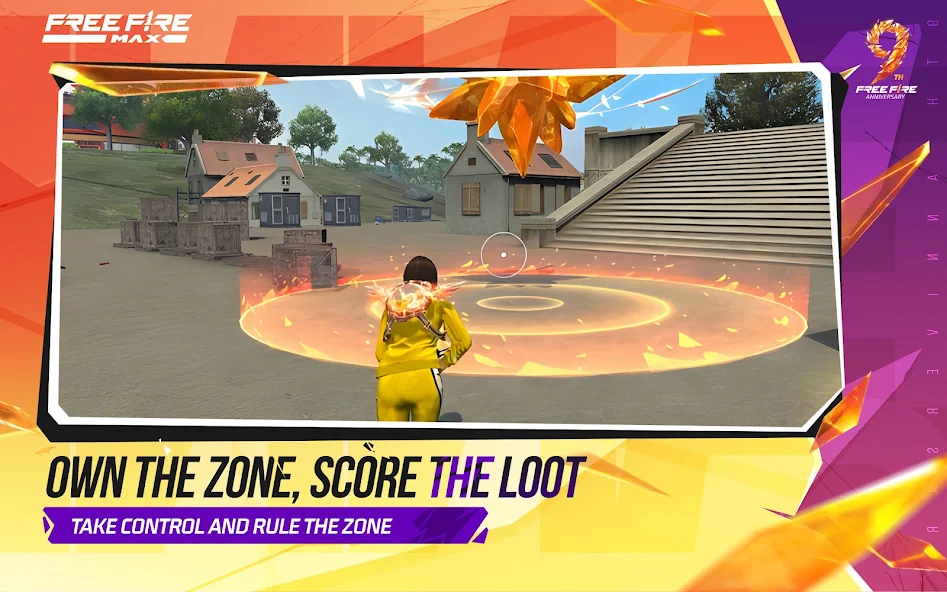
Free Fire APK is an online survival shooter designed for mobile players. At the beginning of a match, players enter a large map and search for weapons, ammunition, armor, healing items, and other useful supplies. As the match continues, the playable area becomes smaller, forcing players into closer fights.
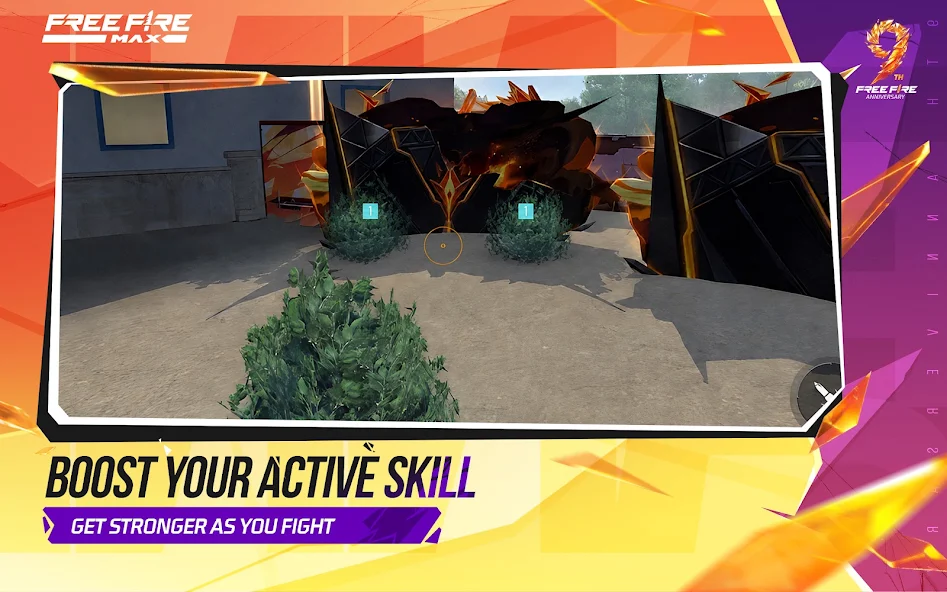
The game includes a variety of characters with different abilities. These abilities can support different strategies, including movement, recovery, combat, and team support. Players can select characters according to their preferred way of playing.
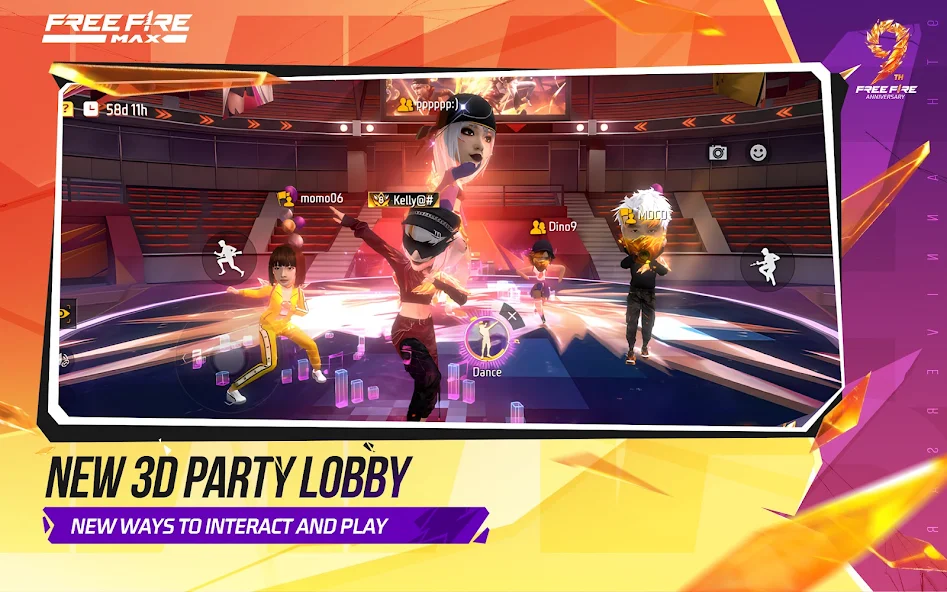
Free Fire also supports multiplayer gameplay with friends and other players. Squad members can communicate, share information, collect supplies, and help each other during battles. This makes teamwork an important part of many matches.
Free Fire APK Overview
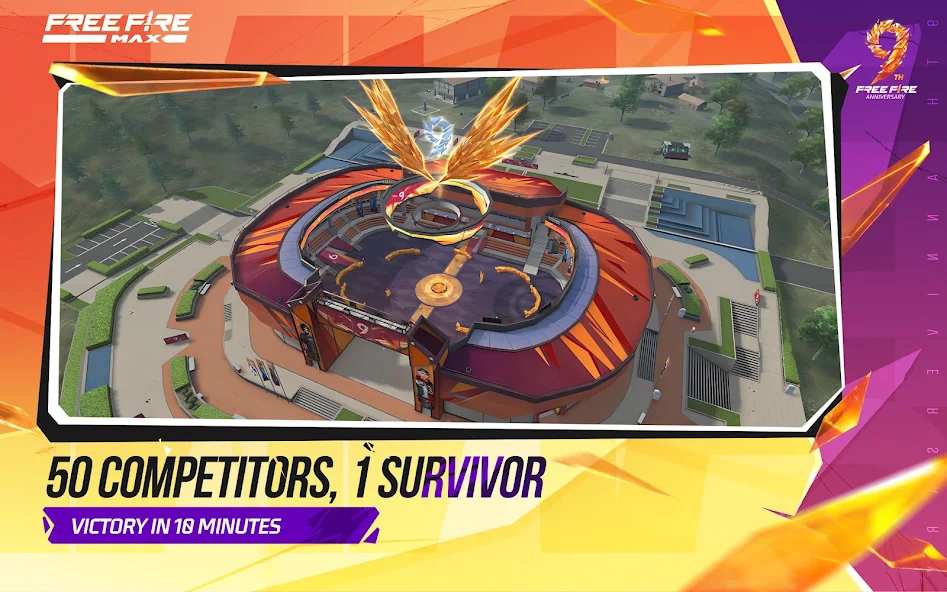
Free Fire gives players a fast battle royale experience where up to 50 players can compete in the same match. Players land on an island, search for weapons and supplies, and move around the map while the safe area becomes smaller. The main goal is simple: stay alive, defeat opponents, and become the last player or team standing.
One of the main reasons for the game’s popularity is its short match format. A normal match can take around 10 minutes, which makes it suitable for players who want quick action. The game also supports different playing styles, so players can focus on aggressive attacks, careful movement, teamwork, or long-range combat.
| Free Fire Information | Details |
|---|---|
| Game Name | Free Fire |
| Genre | Battle Royale and Action |
| Platform | Android |
| Gameplay | Online Multiplayer |
| Main Modes | Battle Royale and Clash Squad |
| Match Type | Fast-Paced Survival |
| Players | Solo, Duo, and Squad |
| Developer | Garena |
Free Fire Game Features
Free Fire game features combine fast battle royale action with simple controls, character abilities, different weapons, team gameplay, and regular content updates. The game is designed for Android players who enjoy short matches but still want plenty of options for strategy and customization. Each feature adds something different to the gameplay, whether you prefer solo survival, close combat, long-range attacks, or squad battles.
Clash Squad Mode
Clash Squad provides a faster team-based experience compared with traditional battle royale gameplay. Players compete in rounds against another team and select suitable weapons before entering the fight. The mode places greater importance on teamwork, quick reactions, accurate shooting, and smart use of available equipment.
Solo, Duo, and Squad Gameplay
Free Fire gives players the option to play alone or join other players in team-based matches. Solo gameplay allows players to depend on their own movement and decision-making, while Duo and Squad modes require better communication. Team members can support one another, share information, and coordinate attacks against opponents.
Character and Item Customization
Customization allows players to give their in-game profile and character a more personal appearance. Players can use different outfits, accessories, items, and other available options to create a style they like. These choices add variety to the game and allow players to make their profiles look different from others.
Wide Range of Weapons
The game provides different Free Fire weapons for various combat situations. Assault rifles can provide a balanced option, shotguns work well in close fights, and sniper rifles can help players attack from a distance. Players can experiment with different weapons to find combinations that match their accuracy, movement, and preferred combat range.
Different Characters and Special Abilities
Free Fire includes a wide selection of characters with different abilities. These abilities can support movement, healing, combat, defense, or other parts of a player’s strategy. Choosing a suitable character can make a difference during difficult situations, especially when players understand when and how to use the ability.
Short 10-Minute Matches
One of the most noticeable Free Fire features is its short match format. A typical match can finish in around 10 minutes, although the exact duration depends on how long a player survives. This makes the game convenient for players who want a quick battle without spending a long time in a single match.
Regular Events and New Content
Free Fire receives new content through updates and special events. These can introduce new challenges, rewards, characters, weapons, game modes, and other changes that give regular players something new to explore. Limited-time events can also provide different objectives from normal matches and encourage players to return to the game.
Ranked and Competitive Gameplay
Players who want a more competitive experience can take part in Free Fire ranked matches. Ranked gameplay rewards careful positioning, accurate shooting, teamwork, and good decision-making instead of relying only on aggressive attacks. Players can improve their skills over time while competing against others and working toward better rankings.
Adjustable Graphics and Performance
Free Fire includes graphics settings that allow players to adjust the visual experience according to their Android device. Players with stronger hardware can use higher settings, while those with basic phones can reduce graphics quality to improve performance. These options can help create a better balance between Free Fire graphics and smooth gameplay.
What Makes Free Fire Different From Other Battle Royale Games?
Free Fire focuses on quick matches and simple mobile controls instead of requiring players to spend a long time in a single match. Its short gameplay sessions make it convenient for people who want to play during a break or have limited time. The combination of character abilities, weapons, team gameplay, and different modes also provides plenty of variety.
Another difference is the game’s focus on accessibility. Players do not necessarily need a high-end gaming phone to enjoy the basic gameplay, although performance still depends on the device. Adjustable graphics and straightforward controls make the game easier for new mobile players to understand.
Free Fire APK Download and Installation
Before downloading Free Fire APK for Android, make sure your phone has enough storage and uses a compatible Android version. The downloaded file should be complete and suitable for your device because an incorrect or damaged APK can cause installation errors. After installation, the game may require additional files and an internet connection before you can start playing.
How to Download Free Fire APK on Android
Downloading an APK is a straightforward process when the file is compatible with your device. Check the file information before starting the download and make sure you have enough free space for both the APK and additional game resources. A stable internet connection can also help prevent an incomplete download.
How to Install Free Fire APK
Once the APK download is complete, open the file through your Android file manager. Follow the installation instructions displayed on your phone and wait for the process to finish. After installation, launch Free Fire and allow it to download any additional resources required for the game.
How to Update Free Fire to the Latest Version
Updating Free Fire can provide new content, bug fixes, performance improvements, and gameplay changes. Before updating, check your available storage and make sure you have a reliable internet connection. If you are installing an APK update, make sure the new version is compatible with the existing installation.
Free Fire Android System Requirements
Free Fire can run on a wide range of Android devices, but a phone with better hardware can usually provide smoother gameplay. RAM, processor speed, graphics performance, storage, and Android version can all affect the overall experience. Players using basic phones may need to reduce graphics settings to avoid frame drops.
Minimum Requirements for Free Fire
The exact requirements can change when the game receives major updates. A compatible Android version, sufficient RAM, available storage, and suitable hardware are needed to run the game properly. Players should also have a reliable internet connection because the main Free Fire experience depends on online servers.
Recommended Requirements for Smooth Gameplay
A phone with more RAM and a modern processor can provide better performance during busy fights. Extra storage is also useful because the game can receive updates and download additional resources over time. Keeping Android updated and closing unnecessary background applications can further improve performance.
| Requirement | Basic Level | Recommended Level |
| Android Version | Compatible Android version | Recent supported Android version |
| RAM | 2 GB or more | 4 GB or more |
| Storage | Enough space for installation | Extra free storage |
| Processor | Compatible mobile processor | Modern multi-core processor |
| Internet | Stable connection | Fast and stable connection |
| Graphics | Basic supported graphics | Better graphics hardware |
Free Fire Game Modes
Free Fire offers different game modes that give players several ways to enjoy multiplayer action. Battle Royale focuses on survival, exploration, looting, and positioning, while Clash Squad puts more attention on direct team combat. Temporary events and special modes can also change the normal gameplay experience.
Battle Royale Mode
In Free Fire Battle Royale, players enter a map and search for useful equipment before facing other players. Choosing where to land can affect the amount and quality of loot available at the start. As the safe zone shrinks, players must move carefully and prepare for increasingly close encounters.
Clash Squad Mode
Clash Squad is a team-based mode that focuses on shorter rounds and direct combat. Players select equipment before entering each round and then work with their teammates to defeat the opposing team. Quick reactions, accurate shooting, and good communication are important in this mode.
Ranked Matches and Competitive Gameplay
Ranked matches provide a more competitive experience for players who want to test their skills. Good positioning, accurate aim, teamwork, and smart decisions can help players achieve better results. Ranked gameplay can also encourage players to improve their abilities over time.
Special Events and Limited-Time Modes
Free Fire can feature special events that introduce temporary challenges, rewards, and gameplay content. These events give players something different to do beyond regular matches. Event content can change over time, so players should check the current game client for available activities.
Free Fire Characters and Abilities
Characters are an important part of the Free Fire gameplay system. Each character can have abilities that support a particular style, such as faster movement, improved recovery, combat support, or other advantages. Players can experiment with different characters to find an ability that matches their preferred strategy.
Character selection can become especially important during team matches. A useful combination of abilities can support different roles within a squad and help teammates during difficult situations. Players should learn how their selected ability works so they can use it at the right time.
Free Fire Weapons and Equipment
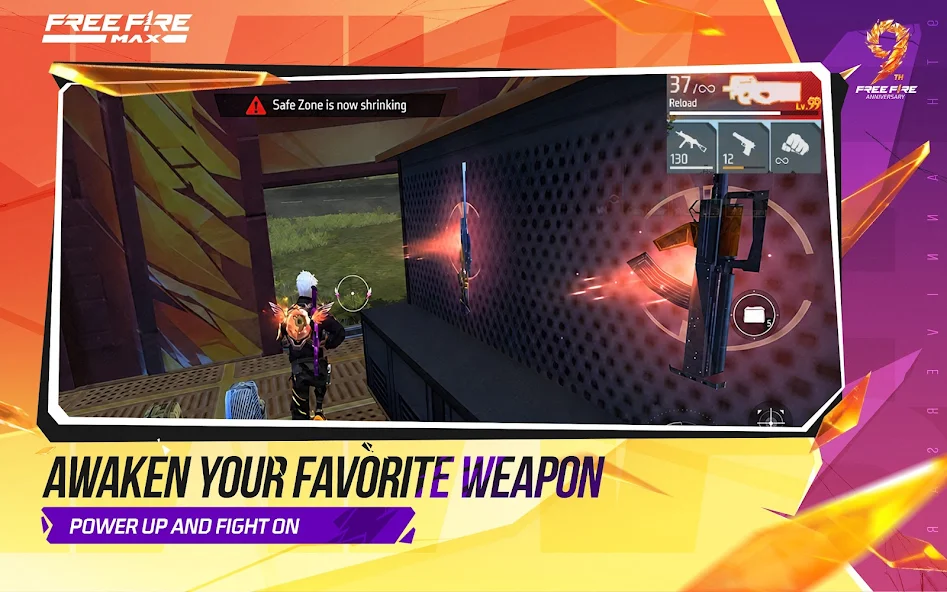
Weapons are essential because players need suitable equipment for different combat situations. Free Fire includes assault rifles, SMGs, shotguns, sniper rifles, pistols, and other weapon types, with each one offering different strengths. Choosing the right weapon often depends on the distance from an opponent and the player’s preferred combat style.
Equipment is also important for survival. Ammunition, healing items, protective gear, and other supplies can help players stay prepared during a match. Managing inventory carefully can prevent players from running out of important resources during a fight.
Free Fire Updates and New Features
Free Fire updates can introduce new characters, weapons, events, gameplay changes, and technical improvements. Developers can also use updates to fix bugs and improve the stability of the game. Keeping the game updated can provide access to the latest available content and improvements.

What’s New in the Latest Free Fire Update?
A new update may bring changes to characters, weapons, maps, events, game modes, or other features. The exact content depends on the current release. Players should check the information available with their installed version to understand what has changed.
New Characters, Weapons, and Events
New characters can introduce different abilities, while new weapons can create additional combat options. Special events can also give players new objectives and rewards for a limited period. These additions help keep the gameplay fresh for regular players.
Bug Fixes and Performance Improvements
Updates can also address technical problems such as crashes, control issues, graphical glitches, and performance problems. Fixes can make the game more stable on supported devices. Players experiencing problems should make sure they are using a compatible and current version.
Free Fire Performance on Low-End Android Devices
Free Fire can be played on many Android devices, but low-end phones may need adjusted settings. Lowering the graphics quality can reduce the workload on the phone and may improve frame stability. Closing unnecessary background applications can also free up memory while the game is running.
Players should avoid using graphics settings that are too demanding for their hardware. If the game continues to lag, checking the internet connection is also important because network problems can create delays that feel similar to performance issues. Keeping enough free storage can further help the phone manage game updates and temporary files.
Is Free Fire Free to Download and Play?
Free Fire is a free-to-play battle royale game, which means players can access its main gameplay without purchasing the base game. The game can contain optional items and features that players may choose to purchase, but these are separate from the basic gameplay experience. Players should always review any purchase carefully before confirming a transaction.
The free-to-play model lets new players try different game modes without needing to purchase the complete game first. Players can participate in matches, improve their skills, and explore available features without buying every optional item. Available paid and free content can change with new updates and events.
Does Free Fire Require an Internet Connection?
Yes, Free Fire mainly requires an internet connection because its primary gameplay is based on online multiplayer matches. A stable connection can reduce lag, delays, and unexpected disconnections during gameplay. Players can use Wi-Fi or mobile data as long as the connection is reliable.
Players should avoid starting important matches when their connection is unstable. Network interruptions can cause delays in movement, shooting, and other controls. A reliable connection can provide a smoother experience during online matches.
Can You Play Free Fire Solo or With Friends?
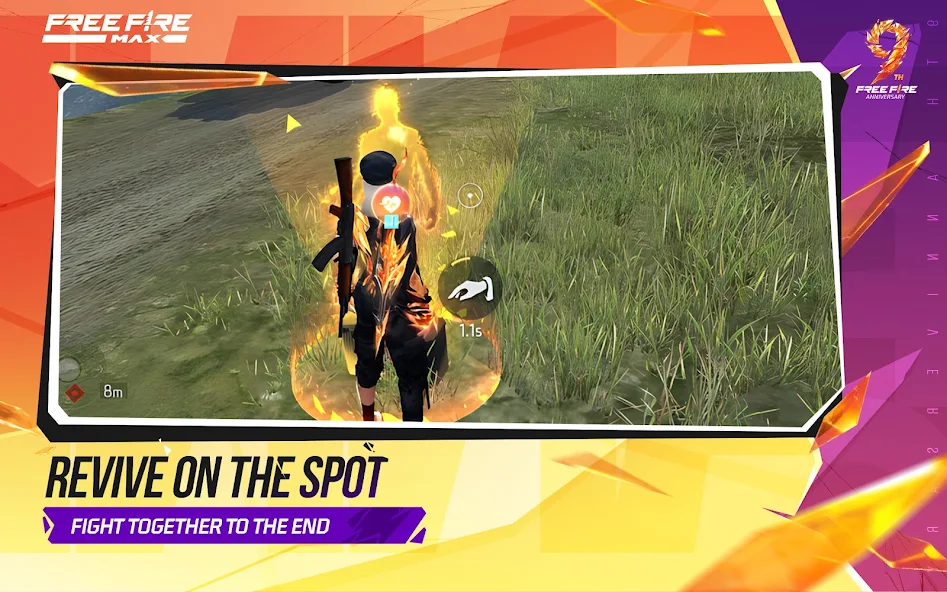
Free Fire supports both individual and team-based gameplay. Players can enter matches alone or join friends and other players in team modes. Squad members can communicate and work together to collect supplies, locate enemies, and plan their movements.
Playing with friends can make the game more social and strategic. Each team member can use different weapons and character abilities based on their preferred role. Good communication can often make a bigger difference than simply having powerful equipment.
Free Fire APK vs. Free Fire MAX
Free Fire APK and Free Fire MAX are related battle royale experiences, but they can differ in graphics quality, performance requirements, and other technical features. The right option depends on your phone’s specifications and the type of experience you prefer.
| Feature | Free Fire | Free Fire MAX |
| Game Genre | Battle Royale | Battle Royale |
| Platform | Android | Android |
| Graphics | Balanced | Enhanced |
| Hardware Demand | Generally lower | Generally higher |
| Multiplayer | Yes | Yes |
| Suitable For | Wider range of devices | More capable devices |

Pros & Cons
Pros
- Fast and exciting gameplay
- Works well on low-end devices
- Easy-to-use controls
- Many weapons and characters
- Different game modes
Cons
- Too many in-game purchases
- Can become repetitive
- Requires a stable internet connection
- Updates may take storage space
- Some players may face lag or connection issues
Common Free Fire APK Download and Installation Problems
APK installation problems can occur because of insufficient storage, an incomplete download, an incompatible Android version, or an unsuitable package. Checking these factors before installation can prevent many common errors. Players should also be careful with modified APK files that promise unauthorized advantages.
Free Fire APK Is Not Installing
If the Free Fire APK is not installing, first check whether the download completed correctly. Make sure your phone has enough free storage and that the APK matches your Android version. A damaged or incomplete file can also cause the installation process to fail.
Free Fire APK Is Not Compatible With My Device
A compatibility error can appear when the phone does not meet the requirements of the installed release. Check your Android version, RAM, storage, and other hardware specifications before trying another version. Some older devices may not support newer releases properly.
Free Fire Keeps Crashing or Freezing
Crashes can happen because of limited memory, low storage, outdated software, or demanding graphics settings. Restarting the phone and closing unnecessary applications can help free system resources. Lowering the game’s graphics settings may also improve stability on basic devices.
Free Fire Update Is Not Working
An update may fail when the phone does not have enough storage or the new package does not match the current installation. Check the available storage and confirm that the update is suitable for your Android device. If the problem continues, review the installation and account information before considering a fresh installation.
How to Fix Free Fire Connection Problems
Connection problems can come from weak Wi-Fi, unstable mobile data, network congestion, or temporary service problems. Try switching between Wi-Fi and mobile data to see whether the issue is related to your current network. Restarting your router or moving to an area with a stronger signal may also help.
Is Free Fire Safe to Download and Install?
The safety of a Free Fire APK download depends on the source and whether the file has been modified. Modified APKs that promise unlimited diamonds, unlocked items, cheats, or other unauthorized advantages can create security and account risks. Players should be especially careful with files that request unusual permissions or make unrealistic claims.
Before installing an APK, check its version and compatibility with your device. Keep Android security features active and avoid granting unnecessary permissions to applications. Choosing a trusted source and checking the file carefully can reduce the risks associated with unknown APK packages.
Frequently Asked Questions
Final Verdict on Free Fire APK
Free Fire APK provides a fast battle royale experience with short matches, multiple game modes, characters, weapons, and online multiplayer gameplay. Its adjustable graphics and simple controls make it accessible to many Android players, while ranked matches and team battles give experienced players more ways to test their skills. Before installation, check the version, device requirements, storage, and file details to make sure the game is suitable for your Android phone.
For players who want a simple overview of the game, nitroapk.com covers the important information about Free Fire APK, including features, requirements, installation, updates, and common problems.phics make it suitable for many Android players, while ranked matches and team gameplay provide additional challenges for more experienced users. If you want to learn about the latest version, installation process, features, and Android requirements, nitroapk.com provides a simple overview to help you understand the game before installation.