Opera Mini APK Latest Version
★★★★☆ 4.5 · (10M Reviews)
99.5.2
70 MB
500M+
OS 5+
100% Secured & Verified APK Files
App Preview
Screenshots:

Opera Mini APK Download – Latest Version 2026
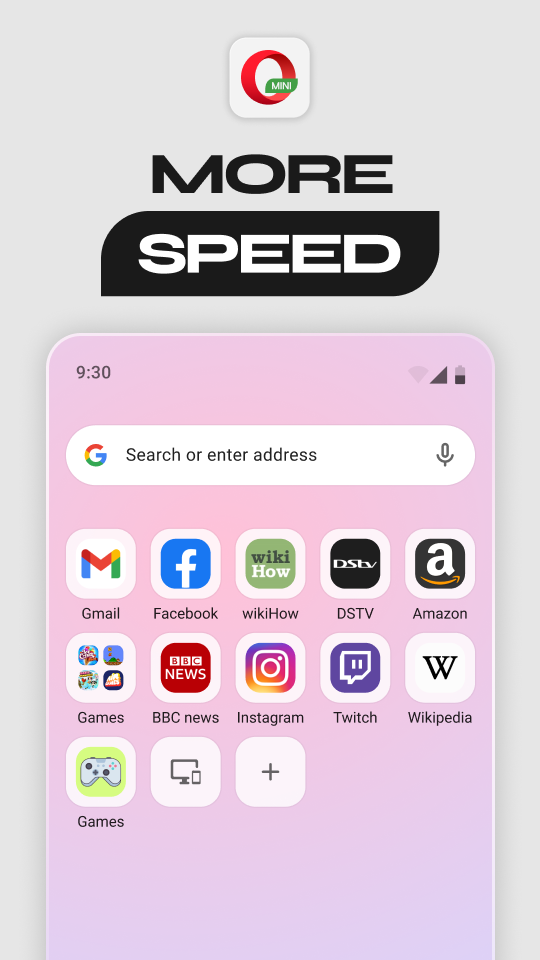
Opera Mini remains one of the lightest and most data-efficient mobile browsers available, built specifically for slow networks and limited storage devices. It compresses web pages by up to 90 percent before delivery, making it a favorite among users on prepaid data plans. This guide covers everything about the Opera Mini APK, including features, installation, safety, and update steps.
Quick Facts
| Detail | Information |
|---|---|
| App Name | Opera Mini |
| Latest Version | v99.5.x |
| Size | Approximately 57 MB |
| Platform | Android 5.0 and above |
| Developer | Opera Software ASA |
| Category | Data-Saving Web Browser |
| Availability | Google Play Store and direct APK |
What Is Opera Mini?
Opera Mini APK is a lightweight mobile browser developed by Opera Software, built specifically around data compression and speed on slow or unstable networks. Rather than rendering pages directly on the device, it forwards requests to Opera’s servers, compresses the content there, and delivers a smaller version back to the phone. This proxy-based approach is what separates Opera Mini from the standard Opera Browser, which renders pages locally with optional server-based compression instead.
The app is available directly through the Google Play Store for most Android devices. Some users prefer the standalone APK file instead, usually to install a specific version manually or to access it where store availability is limited. Every legitimate copy traces back to the same Opera-maintained codebase, since the company does not distribute unauthorized third-party builds.
Opera Mini has maintained a large global user base for well over a decade, particularly in regions where high-speed internet and unlimited data plans remain less common. Its appeal centers on stretching mobile data further rather than offering the deepest feature set among mobile browsers. As a result, users in bandwidth-constrained regions or on budget devices often choose it specifically for its compression strength and small app footprint.
Key Features of Opera Mini
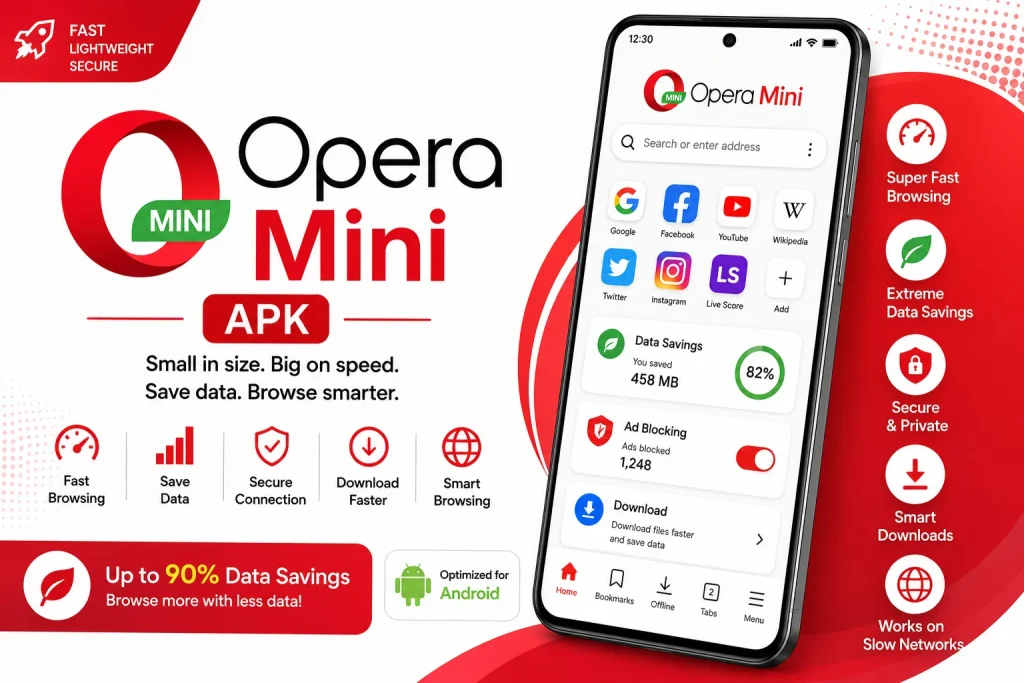
Opera Mini packs a focused set of tools built around data savings, speed, and everyday convenience. The list below covers the features most users rely on daily.
Extreme Data Compression
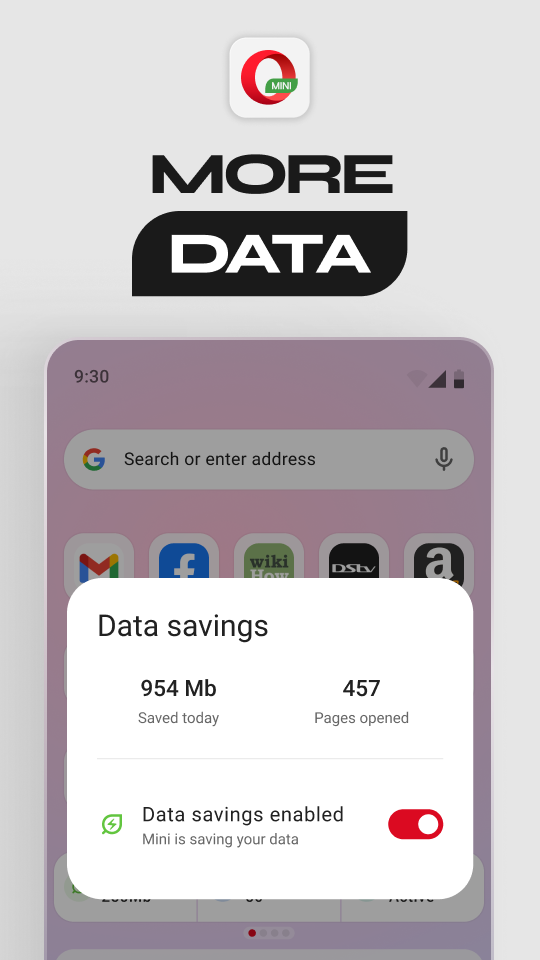
Opera Mini’s core feature compresses web pages through its servers before delivery, reducing data usage by up to 90 percent in high savings mode. Users can choose between different compression levels, including a High savings mode that still delivers a fuller web experience with lighter compression. This flexibility lets users balance data savings against page fidelity based on current needs.
Aria AI Assistant
Aria is Opera Mini’s built-in AI assistant, offering help with search, text explanation, summarization, and general queries directly within the browser. Users can ask Aria to summarize a long article or clarify a confusing passage without leaving the current tab. This brings AI-assisted browsing to a browser historically known mainly for compression rather than smart features.
Built-In Ad Blocker
The ad blocker strips intrusive banners and pop-ups from most web pages automatically, contributing to both cleaner browsing and further data savings. Blocking rules can be adjusted for specific sites through the browser’s settings menu. Combined with compression, this keeps page loading fast even on weaker connections.
Locked Mode and Private Downloads
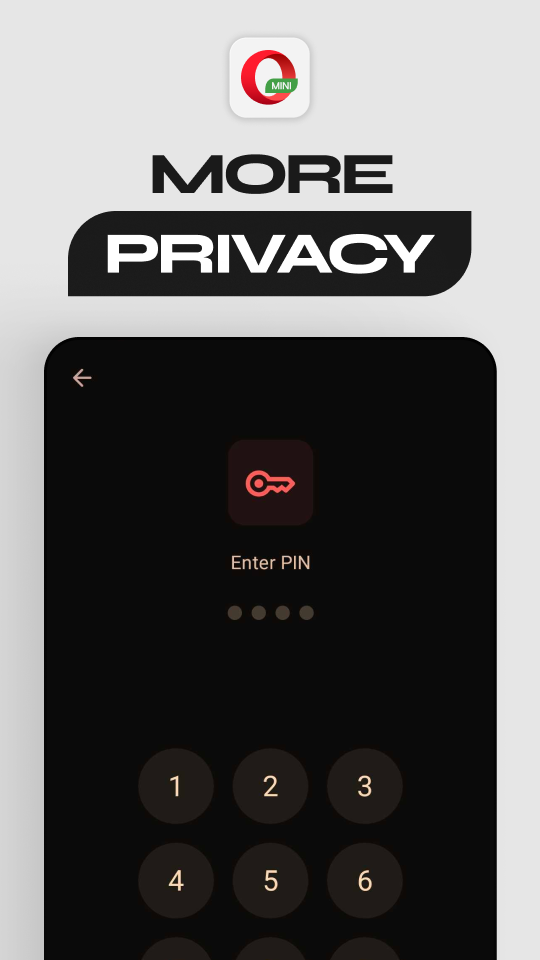
Locked Mode hides specific tabs behind a PIN, adding a layer of privacy beyond standard private browsing. Private Tab mode separately prevents history, cookies, and cache from being stored locally after a session ends. Together, these tools give users flexible control over how much browsing data stays visible or retained on the device.
MiniPay
MiniPay allows users to send and receive money using stablecoins through just a phone number, without requiring a traditional bank account. This feature targets users in regions with limited access to conventional banking infrastructure. Transactions happen directly within the browser rather than through a separate financial app.
Offline Pages and Fast Downloads
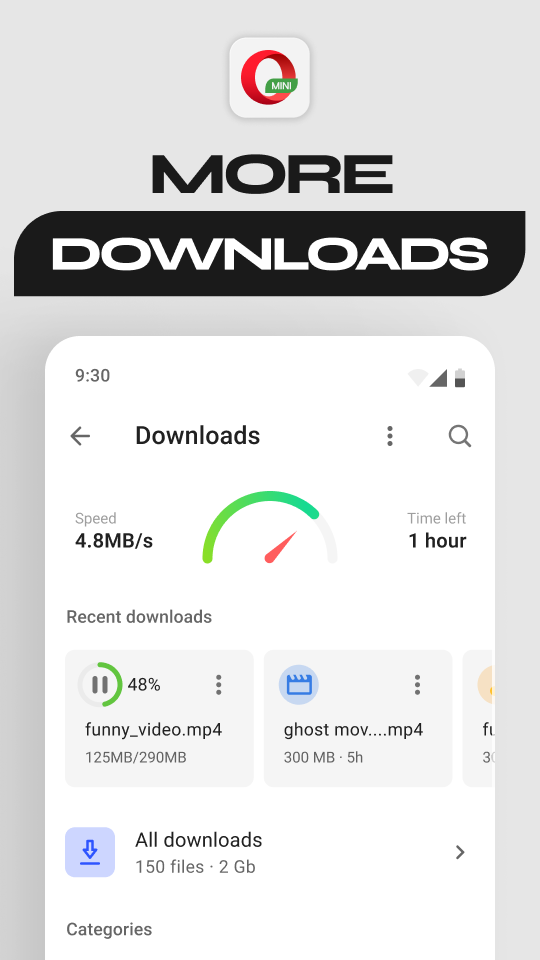
Users can save pages for offline reading, useful for accessing news or articles later without needing an active connection. The download manager detects downloadable files automatically and supports background downloading, including pausing large files until a preferred network becomes available. Offline file sharing between devices is also supported at high transfer speeds.
Discover News Feed
The Discover feature surfaces trending articles and news stories based on selected categories, displayed directly on the home screen. Users can customize which topics appear most prominently. This turns the start page into a lightweight content hub alongside the core browsing functionality.
Opera Rewards
Opera Rewards gives users points for regular browsing activity, which can be redeemed for various perks depending on regional availability. This adds a loyalty incentive uncommon among lightweight, data-focused browsers. Availability and specific rewards vary by market.
App Requirements Before Installation
A few basic checks help the installation go smoothly. Review the table below before starting the download.
| Requirement | Details |
|---|---|
| Android Version | Android 5.0 or higher |
| Free Storage | At least 60 MB recommended |
| Internet | Works well even on slow or unstable connections |
| RAM | 1 GB minimum for smooth performance |
| Opera Account | Optional, used for sync features |
Info Box: Before You Install, confirm the phone has enough battery to avoid interruption during setup. Close other heavy apps to free up memory during installation. Since Opera Mini is specifically built for weaker connections, installation itself should proceed smoothly even on limited networks.
Opera Mini Latest Version Overview
Version 99.5.x focuses on tab gallery improvements, savings mode refinement, and general stability. The update also improves download reliability and bookmark organization. Below is a short summary of what changed.
Because Opera Mini updates through the Play Store for most users, new versions typically install automatically once released. Manual APK installation becomes relevant mainly for users testing a specific build or working around regional access limitations. Checking release notes before a manual install helps confirm compatibility with the device in use.
How to Download and Install Opera Mini APK
Follow these steps in order to avoid installation errors.
- Enable Unknown Sources – Open phone Settings, go to Security, and allow installation from unknown sources if installing outside the Play Store.
- Download the APK – Get the Opera Mini APK file from a trusted source, or open the Play Store listing directly.
- Open the File – Locate the APK in the Downloads folder and tap it to begin installation.
- Grant Permissions – Allow access to storage and network permissions when prompted during setup.
- Choose a Savings Mode – Select a data compression level based on current network conditions.
Info Box: Common Install Errors “App Not Installed” usually means an older version conflicts with the new file. Uninstalling the previous version, though it risks losing locally saved offline pages without backup, often resolves this. Corrupted downloads can also cause this error, so a fresh download from the same source is worth trying.
Why Users Choose Opera Mini
Opera Mini’s biggest draw remains its unmatched data efficiency on slow or limited connections. Because compression happens on Opera’s servers before content reaches the device, pages that would normally stall on a weak signal often load noticeably faster. This advantage explains why the browser has retained a loyal following even as network infrastructure improves in many regions.
Its small footprint also plays a meaningful role in its appeal. In addition to a lightweight APK size, the browser runs smoothly on older or budget devices with limited RAM and storage. For users with entry-level hardware, this efficiency carries real practical value beyond data savings alone.
Region-specific tools round out the remaining draw for many users. MiniPay addresses financial access gaps in markets with limited banking infrastructure, while Aria brings AI assistance to a browser that historically focused purely on compression. As a result, Opera Mini functions as both a data-saving tool and an increasingly feature-rich browser for users who need it.
Opera Mini Pros and Cons
| Pros | Cons |
|---|---|
| Extreme data compression, up to 90 percent | Compressed pages may render differently than the original |
| Very small app size and low RAM usage | No built-in VPN, unlike the standard Opera Browser |
| Built-in Aria AI assistant | Fewer advanced features than a full desktop-class browser |
| MiniPay for stablecoin transactions | MiniPay availability limited to select regions |
| Locked Mode with PIN protection | Smaller extension ecosystem overall |
| Offline pages and fast downloads | Complex or interactive sites may load imperfectly |
How to Use Opera Mini After Installation
Getting started takes only a few minutes once the app is installed.
- Open Opera Mini and select a preferred data savings mode under Settings.
- Customize the Discover feed by selecting preferred news categories.
- Enable the ad blocker and configure Locked Mode with a PIN if desired.
- Try Aria by tapping the assistant icon for help with search or summarization.
- Save a page for offline reading to test the offline access feature.
If a page displays incorrectly, switching to a lower compression level or High savings mode often resolves rendering issues on complex sites. Download interruptions can typically be resumed through the built-in download manager without restarting the transfer. A restart combined with the latest version update fixes most remaining glitches.
How to Update Opera Mini
Keeping Opera Mini updated protects against security vulnerabilities and ensures access to the newest features. The steps below outline the standard method.
- Open Play Store – Navigate to the Play Store app and search for Opera Mini.
- Check for Updates – Tap Update if a newer version is available.
- Install Automatically – Enable auto-update in Play Store settings for future versions.
- Manual APK Alternative – Download the latest APK directly if Play Store access is unavailable.
Info Box: What Happens If You Skip Updates: Older Opera Mini versions gradually lose compatibility with modern websites over time. Missing security patches also raise exposure to known vulnerabilities. Outdated builds tend to experience more frequent compression errors and slower server communication.
Opera Mini Old Versions
Some users prefer older builds for reasons tied to device compatibility or personal preference. The table below lists commonly requested older versions and their general strengths.
| Version | Highlights | Best For |
|---|---|---|
| v60.0 | Very lightweight, extremely low memory usage | Older or very low-RAM devices |
| v90.1 | Improved compression accuracy | Users on slower networks |
| v95.0 | Aria AI assistant introduced | Users wanting AI-assisted browsing |
| v98.0 | MiniPay feature added | Users needing mobile payment tools |
| v99.5 | Refined performance and stability | Most current Android devices |
Older versions generally suit devices running an outdated Android build or extremely limited RAM. They also appeal to users who prefer a simpler interface without the Aria or MiniPay features found in recent builds. Switching versions works best after confirming that bookmarks remain synced through an Opera account, if one is used.
Opera Mini vs Other Data-Saving Browsers
| Feature | Opera Mini | Opera Browser | UC Browser |
|---|---|---|---|
| Rendering Method | Proxy-based, server-rendered | Local rendering with optional compression | Local rendering with cloud compression |
| Data Savings | Up to 90 percent | Moderate to strong | Strong |
| Built-In VPN | No | Yes, free | No |
| AI Assistant | Yes, Aria | No | No |
| App Size | Very small | Larger | Small to moderate |
| Payment Tools | Yes, MiniPay | No | No |
Opera Mini Alternatives
Users who want a different balance of compression and features sometimes explore other options as well.
Each alternative shares a general focus on either compression strength or broader feature access while differentiating through app size, AI tools, or ecosystem integration. The right choice generally depends on whether maximum data savings, VPN access, or wider compatibility matters most to the user.
Who Should Use Opera Mini?
Opera Mini suits users on limited or prepaid data plans who want the strongest possible compression available in a mainstream browser. It fits well for anyone using an older or budget device with limited storage and RAM, since the app itself stays lightweight. Users in regions with inconsistent network infrastructure also benefit significantly from the proxy-based rendering approach.
It also appeals to users interested in MiniPay’s stablecoin transaction tools, particularly in markets with limited traditional banking access. In addition, Aria’s AI assistance adds meaningful convenience for users who want quick summaries or explanations without switching to a separate app. Anyone prioritizing a small download size and minimal device resource usage finds real value here as well.
That said, Opera Mini is not the ideal choice for everyone. Users who need pixel-perfect rendering of complex or interactive websites may find the compression trade-offs noticeable and occasionally frustrating. Anyone wanting a built-in VPN or the fuller feature set of a standard browser is generally better served by the full Opera Browser instead.
Opera Mini Privacy and Data Settings
Opera Mini includes several built-in tools for managing how much data it collects and shares. The Privacy section under Settings controls compression routing, Locked Mode configuration, and Private Tab behavior. Adjusting these settings allows users to strike a balance between convenience and data minimization.
Site-specific permissions can be reviewed and revoked individually, covering camera, microphone, location, and notification access. This granular control prevents unnecessary background access from sites that no longer need it. Reviewing these permissions periodically is a good habit for anyone concerned about long-term data exposure, particularly given the browser’s proxy-based compression architecture.
Opera Mini also offers a tool for clearing browsing data, cache, and saved offline pages in a single action. Users can select specific categories to clear rather than removing everything at once. This makes it easy to maintain a lighter footprint without losing MiniPay transaction history or saved bookmarks in the process.
Frequently Asked Questions
Is Opera Mini free to download? Yes, Opera Mini is completely free and does not require any payment or subscription.
How is Opera Mini different from the standard Opera Browser? Opera Mini uses proxy-based server rendering for maximum compression, while the standard Opera Browser renders pages locally and includes a free built-in VPN. Opera Mini generally saves more data, while the standard browser offers a fuller feature set.
Is it safe to download the Opera Mini APK outside the Play Store? Downloading directly from Opera’s official source is safe. However, third-party sites should be avoided since they may distribute modified or outdated files.
Why is my Opera Mini APK not installing? This usually happens due to a version conflict or insufficient storage space. Clearing storage and downloading a fresh copy typically resolves the issue.
Why do some websites look different in Opera Mini? Compression can alter page layout and image quality on complex or interactive sites. Switching to High savings mode typically resolves most rendering inconsistencies.
What is Aria, and how do I use it? Aria is Opera Mini’s built-in AI assistant, accessible directly within the browser for search help, summarization, and text explanation. It works without requiring a separate app or account setup.
Is MiniPay available everywhere? No, MiniPay’s stablecoin transaction feature is limited to select regions where the service has been made available. Checking current regional availability before relying on the feature is recommended.
Does Opera Mini work without an account? Yes, Opera Mini functions fully without sign-in. An Opera account is only needed for syncing bookmarks and settings across devices.
How often does Opera Mini update? Opera Mini typically updates every few weeks through the Play Store. Security patches may arrive independently of major feature updates.
Can I use Opera Mini and the standard Opera Browser on the same device? Yes, both apps can coexist on the same phone without conflict. Some users keep Opera Mini installed specifically for data-limited situations while using the standard browser otherwise.
Final Verdict
Opera Mini APK delivers unmatched data compression for users on slow networks or limited data plans, backed by a small app footprint and genuinely useful extras like Aria and MiniPay. Its strength lies in stretching mobile data further than most competing browsers while still adding modern conveniences like AI assistance. Users prioritizing data savings and device efficiency generally find it one of the most practical browsers available for constrained environments.
Those needing a built-in VPN or the fullest possible feature set may find the standard Opera Browser a better long-term fit. For users in bandwidth-limited regions or on older devices, Opera Mini remains a genuinely useful and actively developed tool in 2026. Downloading directly from the Play Store or Opera’s official source ensures the safest and most reliable installation experience.