DuckDuckGo Browser APK Latest Version
★★★★☆ 4.5 · (2.45M Reviews)
5.292
117 MB
50M+
OS 5+
100% Secured & Verified APK Files
App Preview
Screenshots:
DuckDuckGo Browser APK Download – Latest Version 2026
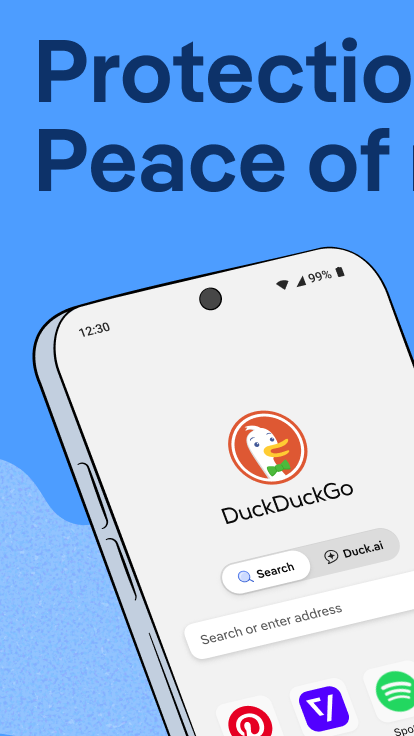
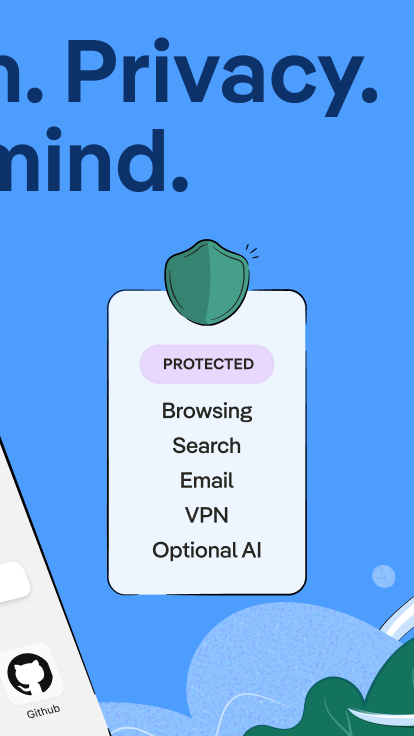
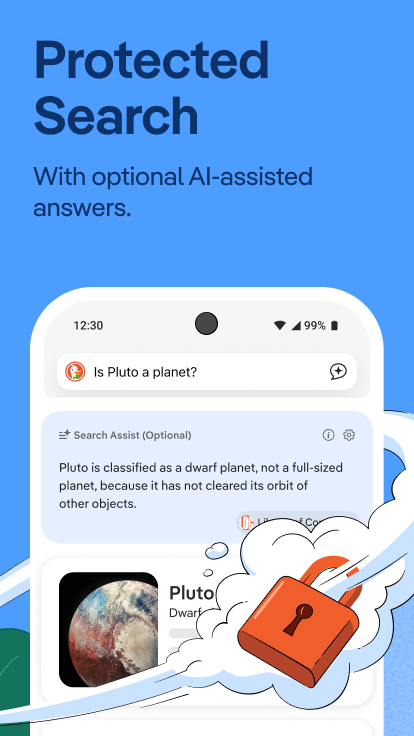
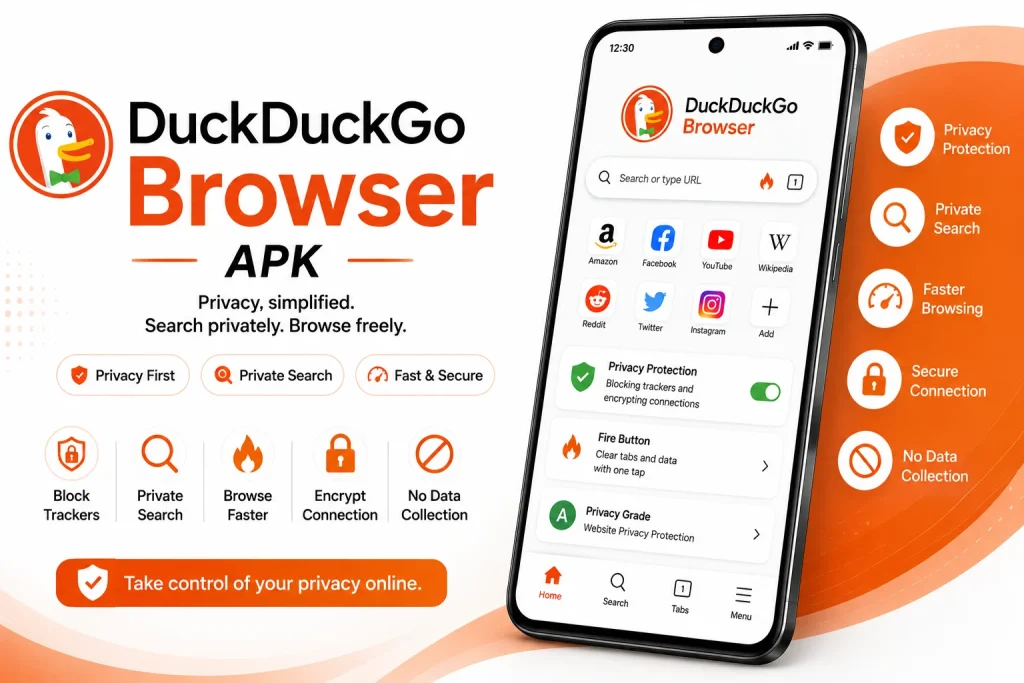
DuckDuckGo Browser has built its reputation entirely around privacy, offering search and browsing without the tracking practices common to most mainstream browsers. It blocks hidden trackers by default and keeps sensitive data like passwords stored locally on the device. This guide covers everything about the DuckDuckGo Browser APK, including features, installation, safety, and update steps.
Info Box: Quick Facts
| Detail | Information |
|---|---|
| App Name | DuckDuckGo Private Browser |
| Latest Version | v5.291.x |
| Size | Approximately 40 MB |
| Platform | Android 8.0 and above |
| Developer | DuckDuckGo |
| Category | Privacy Browser |
| Availability | Google Play Store, F-Droid, and direct APK |
What Is DuckDuckGo Browser?
DuckDuckGo Browser is a privacy-focused web browser developed by DuckDuckGo, an independent company best known for its no-tracking search engine. It combines standard browsing functionality, including tabs, bookmarks, and autocomplete, with a layered set of privacy protections active by default. Because the company has never been owned by Google or any other major technology firm, it positions itself specifically as an alternative for users wary of mainstream browser data collection.
The app is available through the Google Play Store, F-Droid, and directly from DuckDuckGo’s official site. Some users prefer the standalone APK file instead, usually to install a specific version manually or to avoid store-based update tracking entirely. Every legitimate copy traces back to the same DuckDuckGo-maintained codebase, since the company does not distribute unofficial modified builds.
DuckDuckGo has grown steadily as privacy awareness has increased among everyday internet users. Its search engine avoids storing search history or personal data, and the browser extends this same philosophy to general web browsing. As a result, users who choose DuckDuckGo typically do so specifically to reduce their data footprint rather than for advanced customization or extension support.
Key Features of DuckDuckGo Browser
DuckDuckGo Browser packs a focused set of tools built entirely around privacy and simplicity. The list below covers the features most users rely on daily.
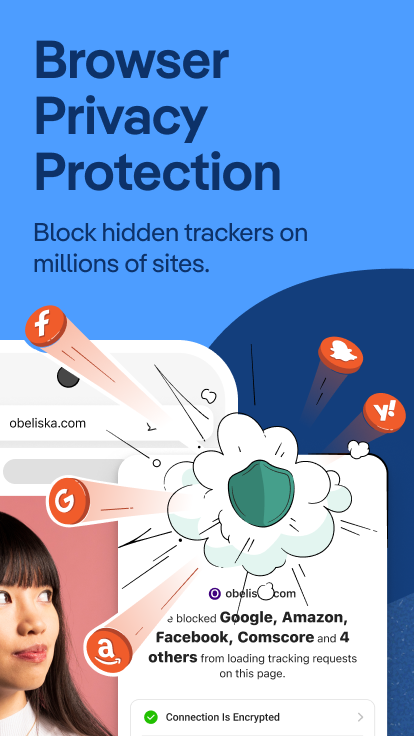
Third-Party Tracker Blocking
DuckDuckGo blocks most third-party trackers before they load, preventing advertising networks from following user activity across different websites. This protection applies automatically without requiring manual configuration. The browser also displays which trackers were blocked on a given page, giving users visibility into otherwise hidden data collection.
Fire Button
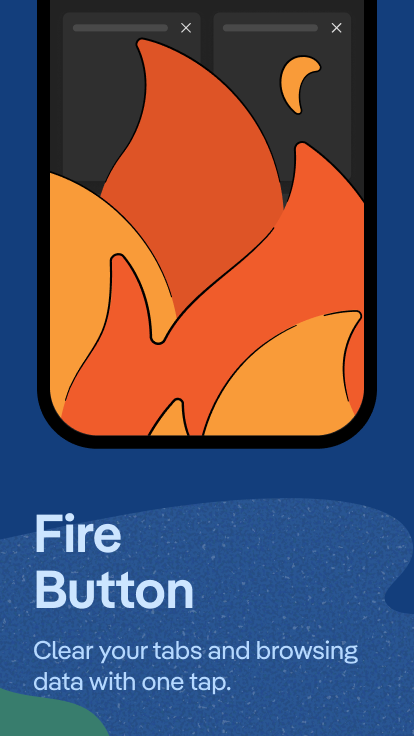
The Fire Button clears all open tabs, browsing history, and site data in a single tap. This offers a fast way to reset the browsing session completely rather than manually clearing data through settings menus. Many users treat this as one of the defining features that sets DuckDuckGo apart from standard private browsing modes.
Local Password Manager
DuckDuckGo includes a built-in password manager that stores credentials locally on the device rather than on external servers. Because no personal data reaches DuckDuckGo’s servers, physical access to the device becomes the only way to view stored passwords. Notes can be attached to saved entries for additional context.
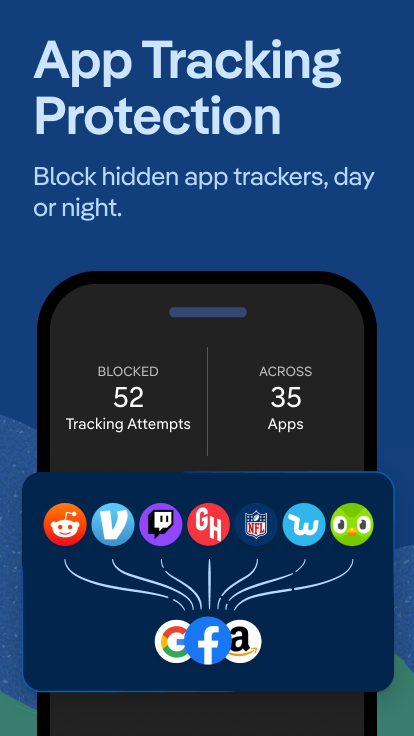
App Tracking Protection
This feature blocks hidden trackers embedded in other apps installed on the device, not just within the browser itself. It operates using a local VPN-like connection without functioning as a traditional VPN or collecting personal data. This extends DuckDuckGo’s privacy protection beyond simple web browsing into the broader device environment.
Email Protection
Email Protection generates a unique forwarding address that strips tracking pixels from incoming emails before delivering them to a real inbox. This prevents senders from knowing when or how often an email gets opened. Users can generate unlimited forwarding addresses for signing up on different sites.
Fingerprinting Protection
Beyond blocking cookies, DuckDuckGo works to prevent sites from using device fingerprinting techniques to identify and track users across sessions. Some advertiser requests may still load, but the browser prevents the resulting tracking data from being linked across different browsing contexts. This adds a layer of protection beyond what standard cookie blocking alone provides.
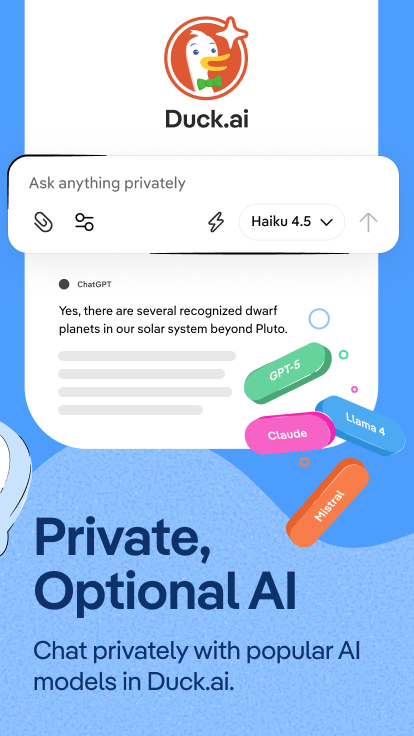
Duck.ai Chat Assistant
Duck.ai offers optional access to AI chat models directly within the browser, positioned as a privacy-respecting alternative to mainstream AI assistants. Conversations are not used to train AI models, and usage does not require linking a personal account. This gives users AI assistance without the data collection typically associated with similar tools.
Cross-Device Sync
Bookmarks, passwords, and settings can sync across devices through a simple QR code scan rather than requiring a traditional account login. This keeps the sync process itself aligned with DuckDuckGo’s broader privacy approach. Desktop and mobile versions connect through the same lightweight synchronization method.
App Requirements Before Installation
A few basic checks help the installation go smoothly. Review the table below before starting the download.
| Requirement | Details |
|---|---|
| Android Version | Android 8.0 or higher |
| Free Storage | At least 70 MB recommended |
| Internet | Stable Wi-Fi or mobile data |
| RAM | 1 GB minimum for smooth performance |
| Account | Not required for core browsing features |
Info Box: Before You Install Confirm the phone has enough battery to avoid interruption during setup. Close other heavy apps to free up memory during installation. A stable connection prevents partial or corrupted downloads.
DuckDuckGo Browser Latest Version Overview
Version 5.291.x focuses on general bug fixes and interface refinements. The update also improves tracker detection accuracy across a wider range of websites. Below is a short summary of what changed.
Because DuckDuckGo updates through the Play Store or F-Droid depending on the installation source, new versions typically install automatically once released through those channels. Manual APK installation from the official site skips automatic update notifications entirely, which is worth factoring in before choosing that method. Checking release notes before a manual install helps confirm compatibility with the device in use.
How to Download and Install DuckDuckGo Browser APK
Follow these steps in order to avoid installation errors.
- Enable Unknown Sources – Open phone Settings, go to Security, and allow installation from unknown sources if installing outside the Play Store.
- Download the APK – Get the DuckDuckGo Browser APK file from a trusted source, or open the Play Store listing directly.
- Open the File – Locate the APK in the Downloads folder and tap it to begin installation.
- Grant Permissions – Allow access to storage and network permissions when prompted during setup.
- Set Default Search Engine – Choose DuckDuckGo as the default search engine during onboarding for full tracking protection.
Info Box: Common Install Errors “App Not Installed” usually means an older version conflicts with the new file. Uninstalling the previous version, though it risks losing locally stored passwords without sync enabled beforehand, often resolves this. Corrupted downloads can also cause this error, so a fresh download from the same source is worth trying.
Why Users Choose DuckDuckGo Browser
DuckDuckGo Browser biggest draw remains its default-on privacy protection, which requires no manual configuration to start blocking trackers. Because tracking protection, encrypted connections, and fingerprinting resistance all activate automatically, users get meaningful privacy benefits without needing technical expertise. This simplicity explains much of the browser’s appeal to privacy-conscious but non-technical users.
The Fire Button also plays a meaningful role in its adoption. In addition to standard private browsing, this one-tap reset gives users a fast, deliberate way to clear an entire session’s data. For users who share devices or simply want a clean slate between browsing sessions, this feature carries real practical value.
Extended privacy tools round out the remaining appeal for many users. App Tracking Protection and Email Protection extend DuckDuckGo’s philosophy beyond the browser itself into the broader device and inbox. As a result, users who adopt DuckDuckGo often do so as part of a wider effort to reduce data collection across their digital life, not just within a single app.
DuckDuckGo Browser Pros and Cons
| Pros | Cons |
|---|---|
| Strong tracker blocking by default | Smaller extension ecosystem than Chrome |
| One-tap Fire Button for clearing data | Some users report slower loading during tracker checks |
| Local password manager, no server storage | Default local business search occasionally defaults to third-party sources |
| App Tracking Protection beyond the browser | Fewer customization options overall |
| Email Protection against tracking pixels | Advanced features require a paid subscription tier |
| Optional privacy-respecting Duck.ai assistant | Less brand familiarity for some mainstream users |
How to Use DuckDuckGo Browser After Installation
Getting started takes only a few minutes once the app is installed.
- Open DuckDuckGo Browser and confirm DuckDuckGo is set as the default search engine.
- Review the tracker blocking summary that appears after visiting a few sites.
- Set up the local password manager and import credentials from another browser if desired.
- Enable App Tracking Protection under Settings for device-wide tracker blocking.
- Try Duck.ai from the search bar if interested in a privacy-focused AI assistant.
If searches feel slower than expected, this often relates to the real-time tracker checking process running in the background. Local business searches occasionally default to a specific third-party source, which can be adjusted through search settings if a different provider is preferred. A restart combined with the latest version update fixes most remaining glitches.
How to Update DuckDuckGo Browser
Keeping DuckDuckGo Browser updated protects against security vulnerabilities and ensures access to the newest privacy protections. The steps below outline the standard method.
- Open Play Store – Navigate to the Play Store app and search for DuckDuckGo Private Browser.
- Check for Updates – Tap Update if a newer version is available.
- Install Automatically – Enable auto-update in Play Store settings for future versions.
- Manual APK Alternative – Download the latest APK directly from DuckDuckGo’s official site if Play Store access is unavailable.
Info Box: What Happens If You Skip Updates Older DuckDuckGo Browser versions gradually lose compatibility with the current tracker-blocking database over time. Missing updates also reduces the accuracy of App Tracking Protection and fingerprinting resistance. Outdated builds tend to miss newly identified tracker networks that a current version would catch.
DuckDuckGo Browser Old Versions
Some users prefer older builds for reasons tied to device compatibility or personal preference. The table below lists commonly requested older versions and their general strengths.
| Version | Highlights | Best For |
|---|---|---|
| v5.270 | Lightweight, lower memory usage | Older or low-RAM devices |
| v5.276 | Improved App Tracking Protection | Users wanting device-wide blocking |
| v5.280 | Email Protection expanded | Users managing sign-up spam |
| v5.288 | Duck.ai assistant introduced | Users wanting privacy-focused AI |
| v5.291 | Refined performance and stability | Most current Android devices |
Older versions generally suit devices running an outdated Android build or limited RAM. They also appeal to users who prefer a simpler interface without the Duck.ai integration found in recent builds. Switching versions works best after confirming that saved passwords remain accessible following the change.
DuckDuckGo Browser vs Other Browsers
| Feature | DuckDuckGo Browser | Tor Browser | Brave Browser |
|---|---|---|---|
| Tracker Blocking | Strong, default on | Very strong, relay-based | Strong, built in |
| Speed | Fast | Slower due to relay routing | Fast |
| Search Engine | DuckDuckGo, no tracking | User choice | Brave Search, optional |
| Password Manager | Built in, local storage | Not included | Built in |
| AI Assistant | Duck.ai, privacy-focused | None | Leo AI |
| Everyday Browsing Suitability | High | Lower | High |
DuckDuckGo Browser Alternatives
Users who want a different balance of privacy and features sometimes explore other options as well.
- Brave Browser – Offers similar tracker blocking with a built-in cryptocurrency rewards model.
- Tor Browser – Provides stronger anonymity through relay routing at the cost of browsing speed.
- Mozilla Firefox – Delivers strong privacy tracking protection alongside full extension support.
- Opera Browser – Combines a free VPN with native ad blocking for general privacy needs.
Each alternative shares a general privacy focus while differentiating through speed, anonymity strength, or extension support. The right choice generally depends on whether default simplicity, maximum anonymity, or deeper customization matters most to the user.
Who Should Use DuckDuckGo Browser?
DuckDuckGo Browser suits users who want strong privacy protection without needing to configure settings manually. It fits well for anyone switching away from a mainstream browser specifically due to tracking concerns, since protection activates automatically from first launch. Users who share a device with others also benefit from the Fire Button’s quick, complete data reset.
It also appeals to users interested in extending privacy beyond the browser itself, through tools like App Tracking Protection and Email Protection. In addition, the local password manager suits users uncomfortable with cloud-based credential storage tied to a major tech company. Anyone curious about AI assistance without the data collection typical of mainstream chatbots may find Duck.ai a reasonable starting point.
That said, DuckDuckGo Browserr is not the strongest choice for everyone. Users who need extensive extension support or deep ecosystem integration with a specific platform may find Chrome, Firefox, or Samsung Internet a better fit. Anyone needing maximum anonymity for high-risk situations should consider Tor Browser instead, since DuckDuckGo’s protections focus on tracking prevention rather than full traffic anonymization.
DuckDuckGo Browser Privacy and Data Settings
DuckDuckGo Browser includes several built-in tools for managing how much data it collects and shares, though its default posture already minimizes collection more than most competitors. The Privacy section under Settings controls tracker blocking intensity, fingerprinting protection, and App Tracking Protection activation. Adjusting these settings allows users to fine-tune protection levels based on specific needs.
Site-specific permissions can be reviewed and revoked individually, covering camera, microphone, location, and notification access. This granular control prevents unnecessary background access from sites that no longer need it. Reviewing these permissions periodically remains a good habit even within a privacy-focused browser.
The Fire Button effectively replaces the need for a separate “Clear Browsing Data” tool, since it removes history, cookies, and open tabs in a single tap. Users can also configure automatic Fire Button triggers after a period of inactivity for hands-off data clearing. This makes maintaining a minimal data footprint straightforward without navigating multiple settings menus.
Frequently Asked Questions
Is DuckDuckGo Browser free to download? Yes, DuckDuckGo Browser is completely free for its core features and does not require payment for standard privacy protection.
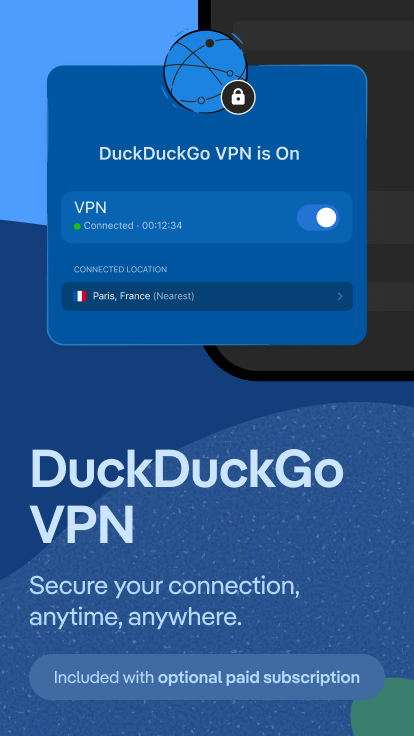
Does DuckDuckGo Browser have a paid subscription? Yes, a Privacy Pro subscription adds extra features including a built-in VPN, advanced Duck.ai models, personal information removal, and identity theft restoration services.
Why is my DuckDuckGo Browser APK not installing? This usually happens due to a version conflict or insufficient storage space. Clearing storage and downloading a fresh copy typically resolves the issue.
Does DuckDuckGo Browser send my data to its servers? No, DuckDuckGo does not track searches or browsing activity, and locally stored data like passwords stays on the device itself. This is central to the company’s stated privacy philosophy since its founding.
How does the Fire Button work? Tapping the Fire Button instantly clears all open tabs, browsing history, and site data from the current session. It offers a faster alternative to manually clearing data through settings menus.
Is Duck.ai the same as other AI chatbots? Duck.ai provides access to AI chat models but does not use conversations for AI training and does not require a linked personal account. This positions it as a more privacy-conscious way to access AI assistance compared with some mainstream alternatives.
Does DuckDuckGo Browser block ads? DuckDuckGo primarily blocks trackers rather than all ads specifically, though tracker blocking often reduces ad-related clutter as a side effect. Some non-tracking ads may still appear on certain pages.
How often does DuckDuckGo Browser update? DuckDuckGo Browser typically updates every few weeks through the Play Store or F-Droid. Security and tracker-database updates may arrive independently of major feature releases.
Can I sync DuckDuckGo Browser across multiple devices? Yes, syncing works through a QR code scan rather than a traditional account login. Bookmarks, passwords, and settings transfer between devices using this method.
Final Verdict
DuckDuckGo Browser delivers strong, default-on privacy protection without requiring technical configuration, making it accessible to a wide range of users. Its strength lies in automatic tracker blocking, the one-tap Fire Button, and extended privacy tools like App Tracking Protection and Email Protection. Users who prioritize reducing their data footprint generally find it one of the most straightforward privacy browsers available.
Those needing maximum anonymity for high-risk situations or deep extension support for specialized workflows may find Tor Browser or Firefox a better fit. For everyday users seeking meaningful privacy without a steep learning curve, DuckDuckGo Browser remains a practical and actively developed choice in 2026. Downloading directly from the Play Store, F-Droid, or DuckDuckGo’s official source ensures the safest and most reliable installation experience.