Call of Duty® Latest Version
★★★★☆ 4.3 · (16.5M Reviews)
1.0.56
2 GB
100M+
OS 7.0+
100% Secured & Verified APK Files
App Preview

What Is Call of Duty Mobile and How Does It Work?
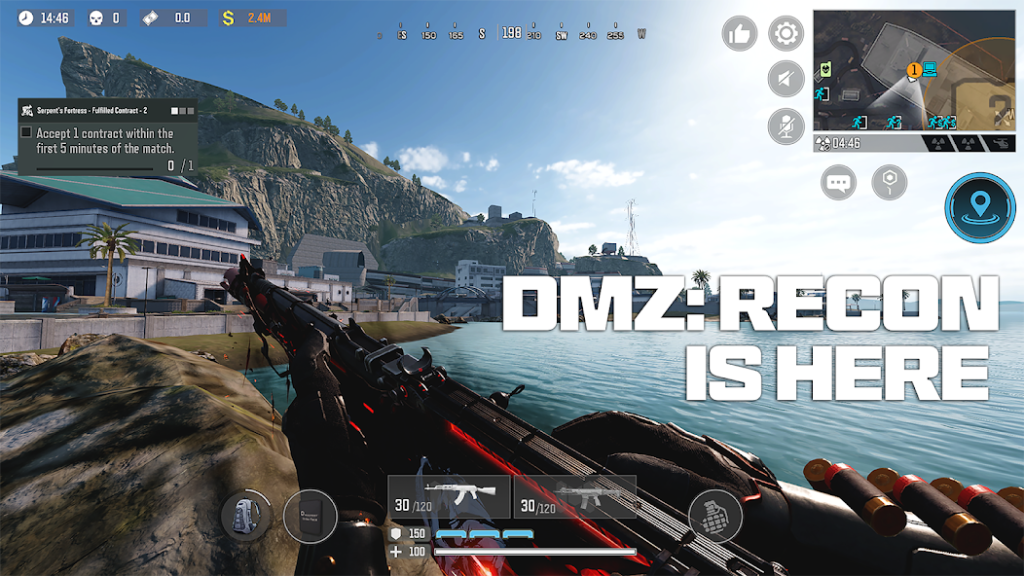
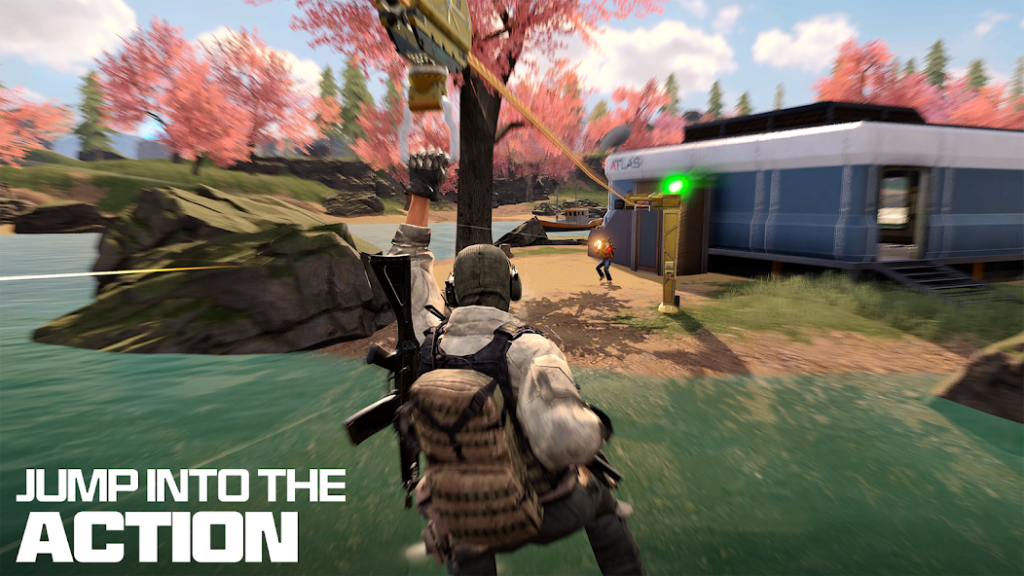
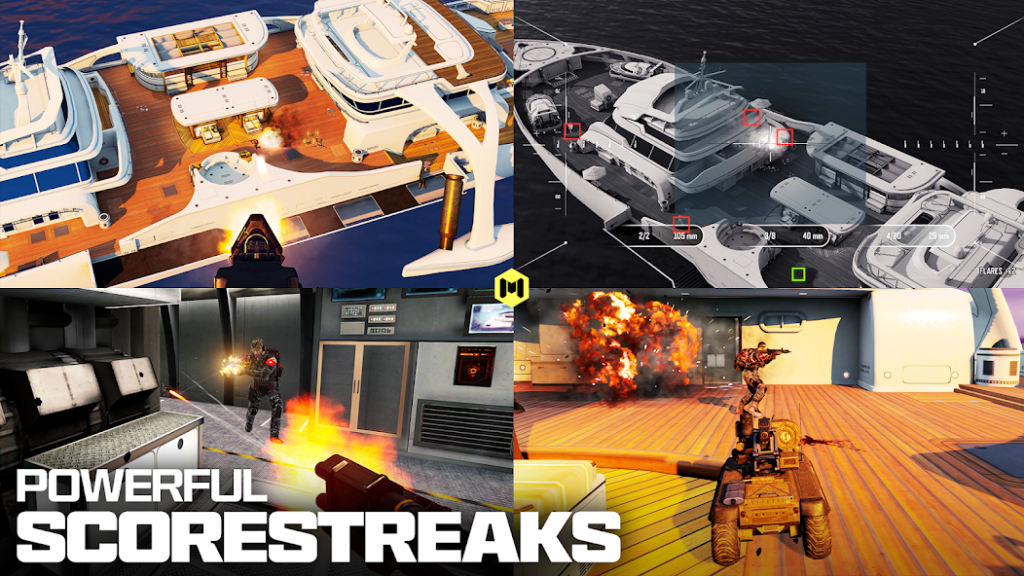
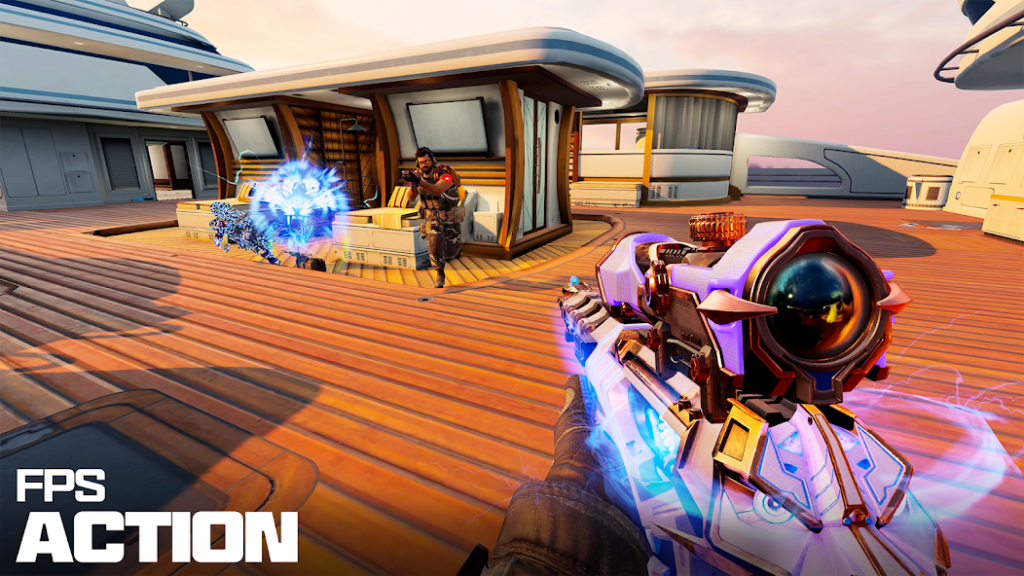
Call of Duty Mobile is a popular first-person shooter game that brings the classic Call of Duty experience to Android devices. It includes fast multiplayer battles, Battle Royale matches, different weapons, customizable loadouts, and competitive gameplay. The game is designed for players who enjoy action-packed shooting games with plenty of content to explore.
Players can select different modes, customize their controls, choose weapons, and build a loadout before entering a match. Your performance depends on aiming, movement, map knowledge, teamwork, and choosing the right equipment for each situation. Call of Duty Mobile also includes progression systems that allow players to unlock new content as they continue playing.
Key Features of Call of Duty Mobile

Fast Multiplayer Matches
Enjoy quick FPS battles with different objectives, maps, and team-based gameplay. Each match requires good aim, movement, and teamwork to defeat the opposing team.
Battle Royale Mode
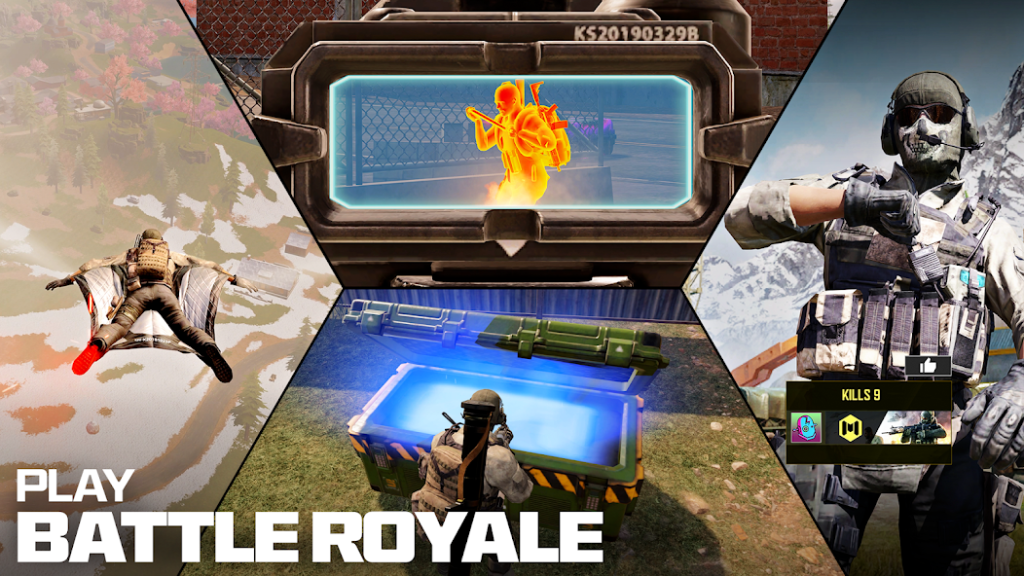
Enter a large map, collect useful equipment, and fight to survive until the end. You can play alone or with teammates while searching for better weapons and supplies.
Large Weapon Selection
Choose from assault rifles, SMGs, sniper rifles, shotguns, and other weapon classes. Different weapons suit different ranges and playing styles.
Custom Loadouts
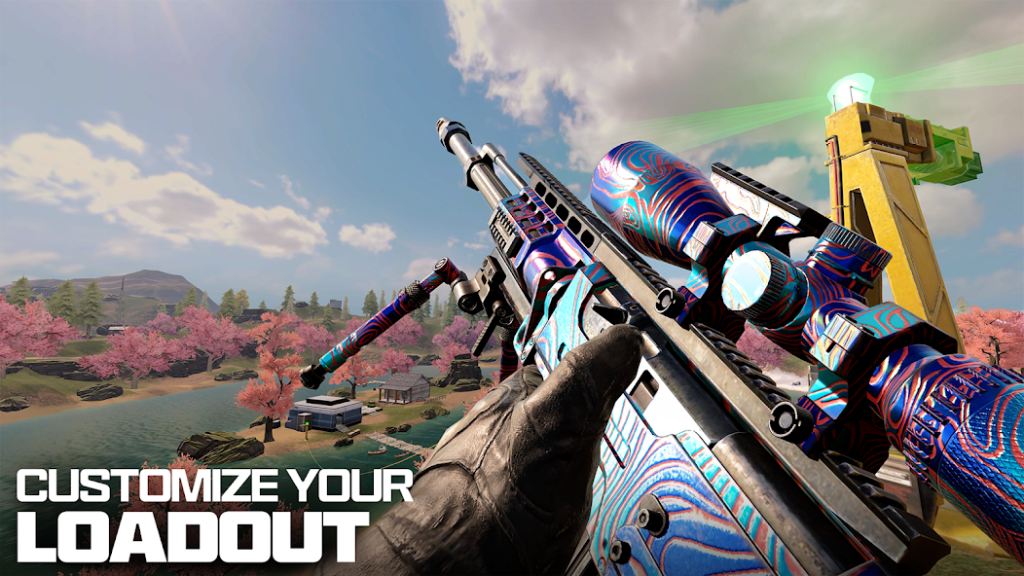
Create personalized loadouts with weapons, attachments, perks, and equipment. A balanced loadout can make your gameplay more comfortable and effective.
Multiple Game Modes
Players can switch between multiplayer, Battle Royale, ranked matches, and special events. This variety gives you different ways to enjoy the game.
Customizable Controls
Adjust the HUD, buttons, sensitivity, and other controls according to your preference. Comfortable settings can help you aim and move more naturally.
Ranked Gameplay
Ranked matches provide a more competitive experience for players who want to test their skills. You can work toward higher ranks by performing well in matches.
Call of Duty Mobile Game Modes Explained
Call of Duty Mobile game modes give players several ways to experience the game instead of forcing everyone into the same type of match. Multiplayer focuses on short competitive battles, while Battle Royale gives you a larger environment where survival and resource management become important. Special events and limited-time modes can also change the usual gameplay with different rules and objectives.
Each mode requires a slightly different approach, so players can choose according to their preferred style. If you like quick fights, multiplayer can be a better choice, while players who enjoy exploration and longer matches may prefer Battle Royale. Trying different modes can also help you improve different skills.
Popular Game Modes
| Mode | Main Focus | Best For |
|---|---|---|
| Multiplayer | Team-based combat | Fast matches |
| Battle Royale | Survival and exploration | Long matches |
| Ranked | Competitive gameplay | Skilled players |
| Special Modes | Different objectives | Casual variety |
Call of Duty Mobile Multiplayer and Battle Royale
Multiplayer and Battle Royale offer two very different experiences within Call of Duty Mobile. Multiplayer places you in smaller combat areas where you usually have a specific objective, while Battle Royale places players on a much larger map with weapons and equipment that must be collected during the match. Both modes require aiming and movement, but their strategies are quite different.
Multiplayer is ideal when you want quick action and frequent gunfights. Battle Royale is better suited to players who enjoy exploration, positioning, looting, and survival. You can switch between both modes whenever you want a different style of gameplay.
Multiplayer vs Battle Royale
| Feature | Multiplayer | Battle Royale |
|---|---|---|
| Match Style | Fast-paced | Survival-focused |
| Map Size | Smaller | Large |
| Main Goal | Complete objectives | Survive until the end |
| Equipment | Loadout-based | Collected during match |
| Gameplay | Quick combat | Strategic combat |
Weapons, Loadouts, and Customization in Call of Duty Mobile
Weapons and loadouts are an important part of Call of Duty Mobile because your equipment can affect how you approach every match. Players can select weapons based on range, damage, accuracy, mobility, and personal preference. Attachments can also change certain weapon characteristics and make a gun more suitable for a particular playstyle.
A good loadout should match the map and mode you are playing. An assault rifle can provide flexibility at different ranges, while a sniper rifle is more useful when you prefer long-distance combat. Experimenting with different combinations is one of the easiest ways to discover what works best for you.
Main Weapon Types
- Assault Rifles
- Submachine Guns
- Sniper Rifles
- Shotguns
- Light Machine Guns
- Marksman Rifles
- Pistols
- Melee Weapons
Maps, Characters, Skins, and Other Customization Options
Maps, characters, and skins give Call of Duty Mobile more variety beyond its basic shooting mechanics. Different maps contain unique layouts, buildings, open areas, and positions that can change how a match develops. Learning these locations can help you move around the battlefield with greater confidence.

Character and weapon skins mainly provide cosmetic customization and allow players to create a unique appearance. You can select different operators and visual items based on your preferred style. These customization options make your profile and loadouts feel more personal.
Call of Duty Mobile Controls, Sensitivity, and Settings
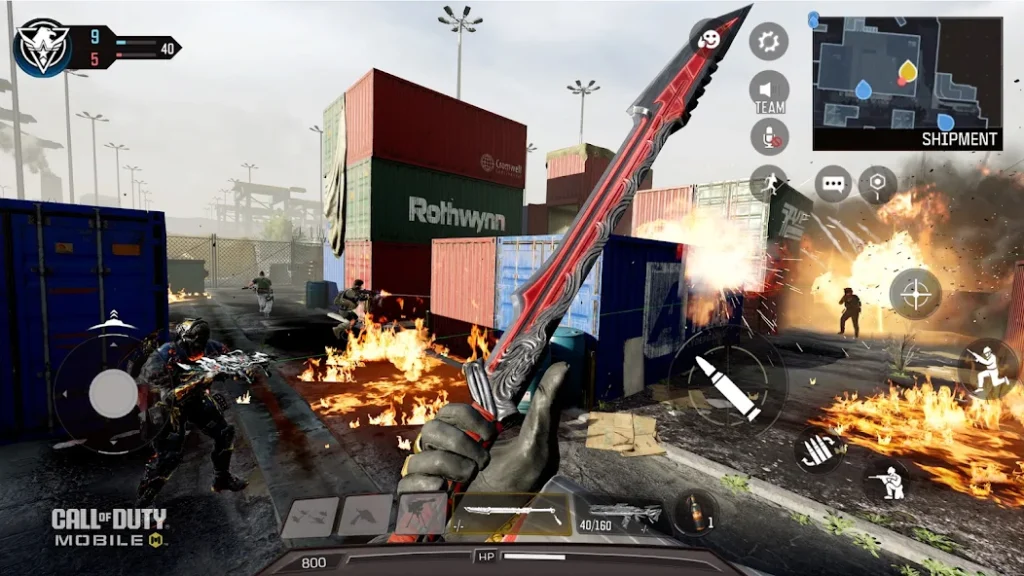
The Call of Duty Mobile controls and sensitivity settings can have a major effect on your performance. The game allows players to adjust the HUD and place buttons in positions that feel comfortable on their screens. Sensitivity options can also be changed to make aiming and camera movement easier to control.
There is no single setting that works perfectly for every player because everyone uses a different device and playing style. Beginners should start with comfortable settings and make small changes as they gain experience. Practicing in matches can help you find a balance between quick movement and accurate aiming.
Call of Duty Mobile Graphics and Performance
Call of Duty Mobile graphics provide detailed environments, character models, weapons, and visual effects for a mobile FPS. However, the actual performance depends on your Android device, processor, RAM, graphics hardware, storage, and selected settings. Lowering certain graphics options can help improve stability on less powerful devices.
Players who have a capable phone can usually use higher visual settings for a better-looking experience. If your device struggles during matches, reducing graphics quality and prioritizing frame rate can make controls feel more responsive. Keeping enough free storage and closing unnecessary background apps can also help maintain smoother gameplay.
Performance Tips
Call of Duty Mobile Latest Updates and New Features
Call of Duty Mobile updates regularly add new content and gameplay improvements. Seasonal updates can introduce weapons, maps, operators, events, challenges, cosmetic items, and balance changes. These additions help keep the game active and give players new content to explore.

Updates can also improve stability and fix issues that affect gameplay. Before installing a major update, make sure your device has enough free storage because game files can become larger over time. Players who want to experience the newest content should keep the game updated to its current supported version.
Call of Duty Mobile Ranked Mode, Progression, and Rewards
Ranked Mode is designed for players who want a more competitive Call of Duty Mobile experience. Your performance in ranked matches can affect your progression, so teamwork, positioning, weapon choice, and consistent gameplay become more important. As you improve, you can aim for higher ranks and test yourself against stronger competition.
Progression also happens through regular gameplay, challenges, events, and other reward systems. Players can earn experience and unlock different items while completing objectives. This gives the game a sense of long-term progress instead of making every match feel separate.
Call of Duty Mobile System Requirements for Android
Before installing Call of Duty Mobile on Android, check whether your device has enough storage, memory, and processing power for the game. The exact space required can vary because the game receives updates and additional downloadable content over time. A stable internet connection is also important because the main gameplay experience depends on online connectivity.
For a better experience, a modern Android device with enough RAM and free storage is recommended. Older or entry-level phones may need lower graphics settings to maintain smoother gameplay. You should also keep additional free space available for future updates.
Android Requirements
| Requirement | Recommended Information |
|---|---|
| Operating System | Compatible Android version |
| RAM | 2 GB or more |
| Processor | Modern compatible processor |
| Storage | Enough free space for game files and updates |
| Internet | Stable internet connection |
| Graphics | Compatible mobile GPU |
How to Download and Install Call of Duty Mobile on Android
Installing Call of Duty Mobile on Android is straightforward when your device meets the game’s requirements. First, make sure you have enough free storage and a reliable internet connection before starting the installation. After installation, the game may download additional resources, so keeping extra space available is useful.
Once the required files are ready, open the game and complete the initial setup. You can then adjust your controls, graphics, sensitivity, and other settings before starting a match. nitroapk.com can also be used as a source of general information about the game’s installation requirements and features.
Basic Installation Steps
Best Call of Duty Mobile Tips and Tricks for Beginners
New players can improve their Call of Duty Mobile gameplay by focusing on accuracy, movement, positioning, and map knowledge. Instead of constantly rushing toward enemies, learn when to attack, when to take cover, and when to reposition. A comfortable sensitivity setting and familiar weapon can also make early matches easier.
Teamwork becomes especially important in objective-based and Battle Royale matches. Pay attention to your surroundings, listen for enemy movement, and avoid exposing yourself unnecessarily. With regular practice, your aim and decision-making should gradually become more consistent.
Beginner Tips
Pros and Cons of Call of Duty Mobile
Like any large mobile game, Call of Duty Mobile has both strong points and areas that some players may not enjoy. Its biggest advantages include a wide range of modes, weapons, customization options, and competitive gameplay. On the other hand, the game can require significant storage and a stable internet connection, especially as new content is added.

Pros & Cons
Pros
- Multiple game modes
- Large weapon selection
- Customizable controls
- Competitive ranked gameplay
- Regular new content
- Detailed mobile graphics
Cons
- Requires a stable internet connection
- Can require considerable storage
- Performance varies by device
- Updates may take additional storage
- Older devices may struggle
- Can consume battery during long sessions
The overall experience also depends heavily on your Android device. A powerful phone can provide smoother performance, while older hardware may require reduced graphics settings. Considering both advantages and disadvantages can help you decide whether the game matches your expectations.
Frequently Asked Questions About Call of Duty Mobile
Final Verdict: Is Call of Duty Mobile Worth Playing in 2026?
Call of Duty Mobile remains a strong choice for Android players who enjoy fast-paced FPS gameplay. Its combination of multiplayer, Battle Royale, weapons, customizable loadouts, ranked matches, and regular content gives players plenty of ways to enjoy the game. The customizable controls and graphics settings also make it possible to adjust the experience according to different devices.
The main things to consider are your device performance, available storage, internet connection, and personal preference for online shooters. If you enjoy competitive matches and want a feature-rich mobile FPS, Call of Duty Mobile is worth trying in 2026. Overall, it offers a complete shooting experience with enough variety to keep both new and experienced players engaged, and nitroapk.com can provide additional game-related information when needed.