
StarMaker APK Latest Version
★★★★☆ 4.3 · (12.1M Reviews)
9.17.6
262 MB
1B+
OS 6+
100% Secured & Verified APK Files
App Preview
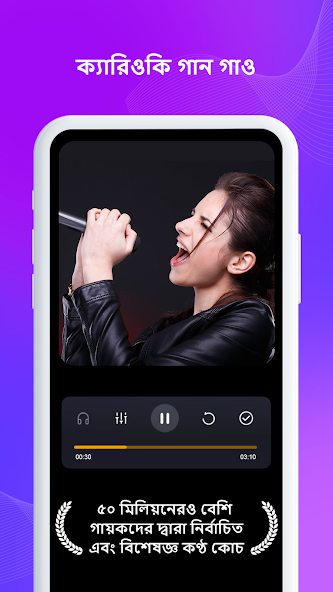

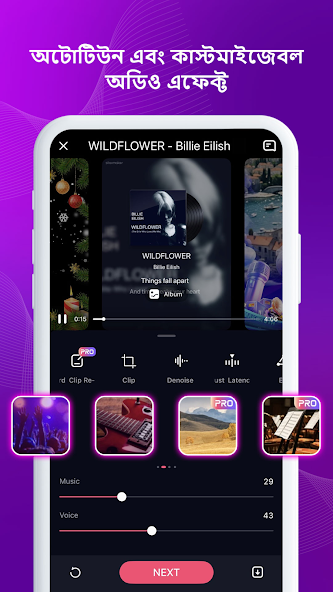
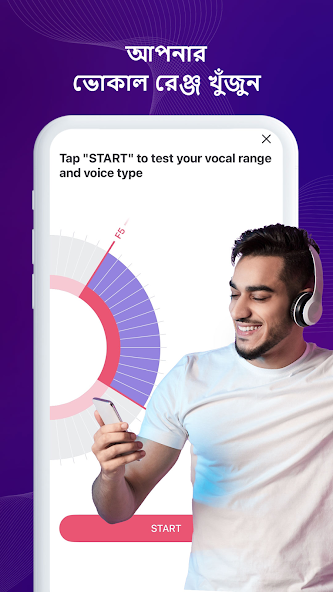
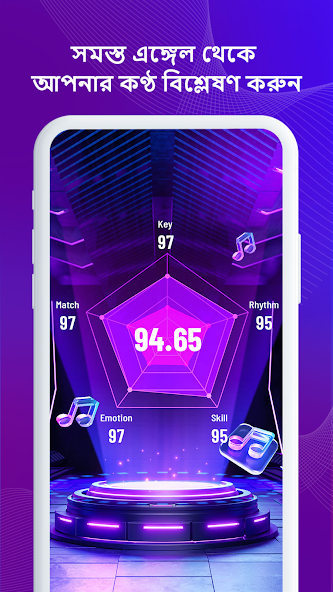
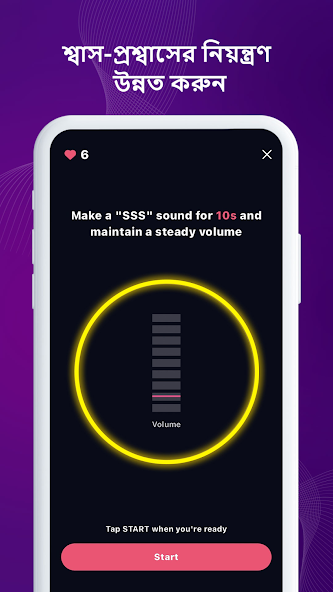
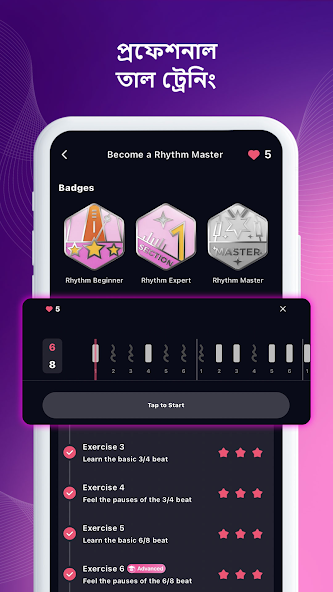

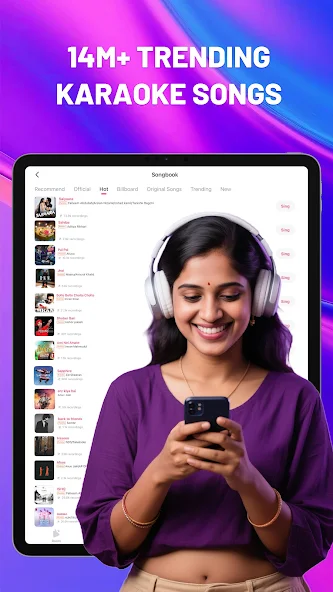
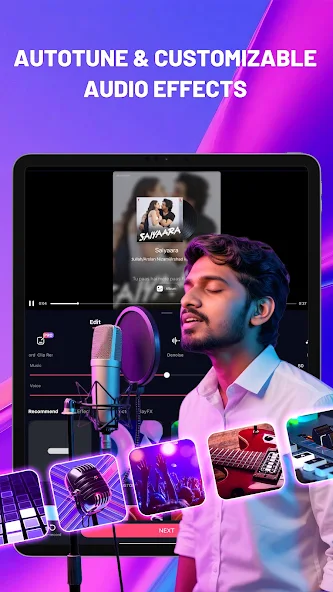
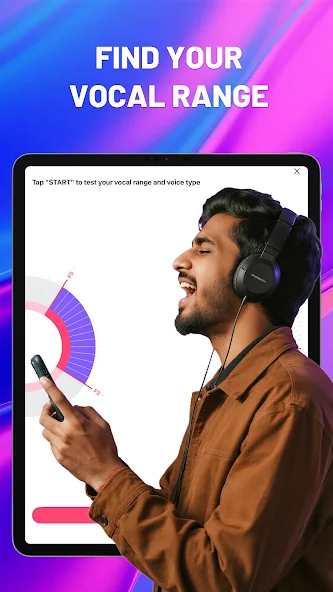

StarMaker is one of the most popular karaoke and social singing apps in the world, letting anyone sing their favorite songs, record performances, share with friends, and even get discovered by music labels. If you love singing, want to practice your voice, or dream of becoming a star, StarMaker is the perfect app for you. In this complete guide you will learn what StarMaker is, how it works, what features it offers, how to download the app, and how the free and VIP plans compare.
What is StarMaker and Why It Is So Popular
StarMaker is a karaoke and music social network that was launched in 2014 by Star Entertainment Inc. The app lets users sing along to a huge library of songs, record their performances with professional audio effects, share the recordings on social media, and interact with a global community of singers. Today StarMaker has more than 100 million users worldwide and is one of the top karaoke apps on both the Google Play Store and Apple App Store.
StarMaker is popular because it combines karaoke, music streaming, video recording, and social networking into a single app. Users do not need expensive studio equipment to sound good. The app provides real time audio effects, pitch correction, reverb, and noise reduction that make any voice sound polished. Whether you are a casual singer or a serious performer, StarMaker gives you the tools to create high quality recordings and share them with the world.
Why StarMaker Stands Out
There are many karaoke apps on the market, but StarMaker has a unique combination of features that sets it apart.
Massive Song Library
StarMaker offers more than 2 million songs across dozens of languages including English, Hindi, Spanish, Portuguese, Korean, Japanese, Chinese, Arabic, Turkish, Indonesian, Vietnamese, and more. You can sing pop hits, Bollywood classics, K pop favorites, Latin reggaeton, classical ballads, and even regional folk songs.
Professional Audio Effects
The app includes real time audio processing with pitch correction, reverb, echo, harmony, and noise reduction. These effects are applied automatically as you sing so your recordings sound clean and polished.
Social Community
StarMaker is not just a karaoke app. It is a social network where singers can follow each other, send gifts, leave comments, duet with friends, join singing families, and participate in weekly challenges.
Talent Discovery
StarMaker runs regular singing contests, talent shows, and challenges where users can win prizes, get featured on the app, and even attract attention from record labels. Many independent artists have been discovered through StarMaker.
Multi Track Recording
The app supports solo, duet, and group performances. You can invite friends to sing together, layer multiple vocals, and create collaborative recordings.
Smart Recommendations
StarMaker suggests songs, singers, and challenges based on your preferences. The more you sing, the better the recommendations become.
Key Features of StarMaker
Below is a detailed look at the features that make StarMaker worth installing.
Karaoke Mode
The Karaoke mode shows lyrics on screen in real time and highlights the words as you sing. You can adjust the key and tempo to match your voice. A guide melody helps you stay on pitch if you are learning a new song.
Audio Effects and Filters
The app includes professional effects like reverb, echo, harmony, bass boost, and pitch correction. You can preview effects before recording and apply different presets for different music styles.
Video Recording
StarMaker lets you record video performances using your phone camera. You can choose from solo mode, duet mode, or party mode. The app also includes AR filters, beauty effects, and virtual backgrounds to enhance your video.
Multi Language Support
StarMaker supports singing in dozens of languages. The app detects the language of the song and displays the lyrics in the original script. This makes it easy for users around the world to sing in their preferred language.
Duet and Collaboration
You can duet with friends, family members, or other StarMaker users from anywhere in the world. The duet feature automatically syncs both voices into a single performance.
Singing Parties and Live Rooms
StarMaker hosts live singing parties in real time virtual rooms. You can join a room, sing with others, listen to performances, and interact with the host. Live rooms are a fun way to practice, perform, and meet new singers.
Gifts and Rewards
Other users can send you virtual gifts during live performances. Gifts can be converted into in app currency that you can use to unlock premium effects and features.
Family and Group Communities
StarMaker allows users to join families or groups based on shared interests. Families compete in weekly challenges, share tips, and support each other through comments and gifts.
Offline Mode
You can download songs for offline karaoke practice. This is useful when you want to sing without using mobile data.
Smart Search
Search by song title, artist, language, or genre. The search bar is fast and the results are accurate.
Cross Platform Access
StarMaker is available on Android, iOS, and the web. Your account works across devices so you can record on your phone and edit on the web.
StarMaker Free vs StarMaker VIP Comparison
Below is a comparison table showing the key differences between the free and VIP plans.
| Feature | StarMaker Free | StarMaker VIP |
|---|---|---|
| Karaoke singing | Yes | Yes |
| Audio effects | Basic presets | Full premium effects |
| Video recording | Yes with watermark | No watermark |
| Offline downloads | Limited | Unlimited |
| VIP song library | Not included | Full access |
| Ad free experience | No | Yes |
| Priority support | No | Yes |
| Monthly tokens | Limited | Generous allowance |
| Price | Free | Paid subscription |
The free plan is great for casual singers. The VIP plan unlocks the full audio effects, removes watermarks, and gives you access to a much larger song library.
How to Download and Install StarMaker
Installing StarMaker is quick and easy. Follow the steps below to get the latest version of the app on your device.
For Android Users
For iOS Users
For PC Users
StarMaker App Interface Walkthrough
The StarMaker interface is colorful, engaging, and easy to navigate. Here is a quick walkthrough of the main sections.
Home Tab
The Home tab is your main feed. It shows greeting banners, trending songs, popular singers, weekly challenges, and recommended performances from the community.
Sing Tab
The Sing tab lets you pick a song and start a recording session. You can search by title, artist, language, or browse curated lists like Top 50, Trending Now, and New Releases.
Live Tab
The Live tab shows ongoing live singing parties. You can join a room, listen to performances, send gifts, or start your own live session.
Messages Tab
The Messages tab is where you find private chats, friend requests, family invitations, and notifications from the community.
Profile Tab
The Profile tab shows your recordings, followers, fans, gifts received, and level. You can also access settings, VIP subscription, and account options.
Tips to Get the Most Out of StarMaker
Below are practical tips to help you enjoy StarMaker like a pro.
Warm Up Before Singing
Just like professional singers, take a few minutes to warm up your voice before recording. Hum, do lip trills, and stretch your vocal range. A warm voice sounds much better in recordings.
Use Good Headphones
Quality headphones help you hear the music and your voice more clearly. This improves your pitch and timing. Avoid using low quality earbuds when you want to record a polished performance.
Pick the Right Song for Your Voice
Do not try to sing every song. Choose songs that match your vocal range and style. Singing in a comfortable key makes the recording sound natural and confident.
Apply the Right Audio Effects
Different songs call for different effects. Use reverb for ballads, echo for pop, and harmony for group performances. Preview the effects before recording to find the best match.
Practice With the Guide Melody
The guide melody helps you stay on pitch. Sing along with the guide a few times before recording your final version. This builds confidence and improves accuracy.
Record in a Quiet Room
Background noise ruins a good performance. Record in a quiet room with soft surfaces like curtains or carpets. This reduces echo and keeps your voice clean.
Engage With the Community
Follow other singers, leave supportive comments, and join families. Building relationships in the StarMaker community helps you grow your audience and discover new talent.
Join Weekly Challenges
Weekly challenges are a great way to test your skills, get feedback, and win prizes. Participate regularly to improve your ranking and visibility.
Duet With Friends
Duets are a fun way to collaborate and create unique performances. Invite friends, sing together, and share the result on social media.
Share on Social Platforms
StarMaker lets you share your recordings on Instagram, TikTok, YouTube, WhatsApp, and more. Use this feature to reach a wider audience and build your fan base.
StarMaker Audio and Video Quality
StarMaker records audio in high quality and supports HD video. The exact quality depends on your device, internet speed, and lighting. For best results, record in a well lit room, hold the phone steady, and use the back camera for better video quality. Audio effects like noise reduction and pitch correction work best when the input is clean, so try to sing close to the microphone and avoid noisy environments.
StarMaker for Aspiring Artists
StarMaker has become a launchpad for many independent artists and content creators. The platform regularly features top singers on its home page, runs official talent contests, and partners with record labels to scout new voices. If you are serious about a music career, StarMaker can help you build a fan base, gain performance experience, and get noticed by industry professionals.
StarMaker Subscription Plans and Pricing
StarMaker VIP is available in monthly, quarterly, and annual plans. Pricing varies by region, but the annual plan usually offers the best value. VIP members get access to premium audio effects, an expanded song library, no watermarks on videos, and ad free listening. StarMaker also offers in app purchases for virtual gifts and tokens that you can use to support other singers or unlock extra features.
Common Issues and How to Fix Them
Below are common problems and simple fixes.
Recording Not Saving
Make sure you have enough storage space on your device. If the issue continues, clear the app cache and reopen StarMaker.
Audio Lag During Recording
Close other apps running in the background. Use a stable WiFi connection when possible.
App Crashing
Update StarMaker to the latest version. If the issue continues, restart your phone and reopen the app.
Login Problems
Use the correct email or phone number. If you forgot your password, use the reset option on the login screen.
Songs Not Loading
Check your internet connection. If you are on mobile data, ensure background data is allowed for StarMaker.
Is StarMaker Safe
StarMaker is a safe and legitimate karaoke and social app. It is available on the Google Play Store and Apple App Store with millions of installs. The app collects basic usage data to personalize recommendations and improve the service. You can manage privacy settings, block unwanted users, and report inappropriate content directly from the app. Always avoid downloading StarMaker from unofficial APK websites since modified versions can contain malware and may violate the law.
Who Should Use StarMaker
StarMaker is a great fit for many types of users.
Casual Singers
If you love singing for fun, StarMaker gives you a simple way to record and share performances with friends.
Aspiring Artists
If you dream of becoming a professional singer, StarMaker is a great platform to practice, build an audience, and get discovered.
Karaoke Fans
If you enjoy karaoke nights, StarMaker brings the party to your phone anytime and anywhere.
Social Creators
If you create content for TikTok, Instagram, or YouTube, StarMaker is a perfect source of high quality karaoke recordings.
Language Learners
If you are learning a new language, singing along to songs is a fun way to practice pronunciation and vocabulary. StarMaker supports many languages so you can pick songs that match your learning goals.

Pros & Cons
Pros
- Large collection of karaoke songs
- Supports multiple languages
- Voice effects and audio filters
- Duet and collaboration features
- Easy-to-use recording tools
Cons
- Some features require payment
- Ads can appear in the free version
- Requires an internet connection for many features
- Premium songs and tools may be limited
- Audio quality can depend on the device and microphone
StarMaker FAQs
Final Thoughts on StarMaker
StarMaker is more than a karaoke app. It is a global community of singers, a launchpad for new artists, and a fun way to express yourself through music. With a massive song library, professional audio effects, social features, and affordable VIP plans, StarMaker delivers real value for casual and serious singers alike. Whether you sing for fun or dream of the spotlight, StarMaker gives you the tools, the audience, and the confidence to shine. Install the latest version today, pick your favorite song, and let your voice be heard.
For more app reviews, app comparisons, and download guides, keep exploring nitroapk.com and stay tuned for fresh content every week.