Puffin Browser APK Latest Version
★★★★☆ 3.4 · (874K Reviews)
10.5.1.7
62 MB
100M+
OS 5+
100% Secured & Verified APK Files
App Preview
Screenshots:


Puffin Browser APK Download – Latest Version 2026
Puffin Browserr takes a different approach to mobile browsing by processing web pages on cloud servers instead of the device itself. This cloud-rendering design allows it to run demanding content smoothly even on older or lower-powered phones. This guide covers everything about the Puffin Browser APK, including features, installation, safety, and update steps.
Quick Facts
| Detail | Information |
|---|---|
| App Name | Puffin Web Browser |
| Developer | CloudMosa, Inc. |
| Platform | Android (Windows and macOS also supported) |
| Engine | Blink, cloud-rendered |
| Pricing Model | Free download, subscription required for unlimited use |
| Category | Cloud-Based Web Browser |
| Availability | Google Play Store and direct APK |
What Is Puffin Browser?
Puffin Browser is a cloud-based web browser developed by CloudMosa that renders web pages on remote servers before sending a compressed version to the device. This approach shifts the heavy processing work away from the phone itself, which allows even older or budget devices to browse complex sites without lag. Because of this server-side model, Puffin behaves somewhat like a remote desktop session layered over standard browsing.
The app is available through the Google Play Store for Android devices, alongside desktop versions for Windows and macOS. Some users search for the standalone APK file instead, usually to install a specific version manually or to access it where store availability is limited. Puffin is no longer available on iOS, since Apple’s update policies led CloudMosa to discontinue that version some years ago.
Puffin built its early reputation around supporting Flash content on mobile devices at a time when most browsers had already dropped it. While that specific advantage has faded as Flash itself was retired industry-wide, the underlying cloud-rendering architecture still offers real benefits for data compression and device compatibility. As of 2026, the free version requires a subscription for unlimited browsing access, which is an important shift from its earlier fully free model.
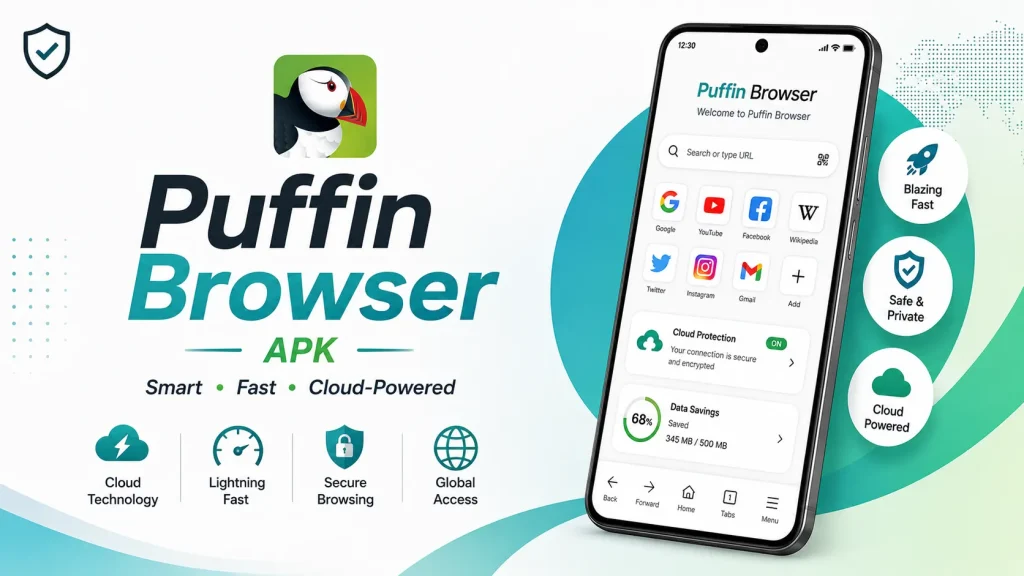
Key Features of Puffin Browser
Puffin Browser packs a distinct set of tools built around its cloud-rendering architecture. The list below covers the features most users rely on.
Cloud-Based Page Rendering
Instead of processing pages locally, Puffin renders them on CloudMosa’s servers and streams a compressed version to the device. This reduces the processing burden on the phone itself, which can meaningfully improve performance on older hardware. Heavy pages that would normally slow down a budget device often load noticeably faster through this method.
Data-Saving Compression
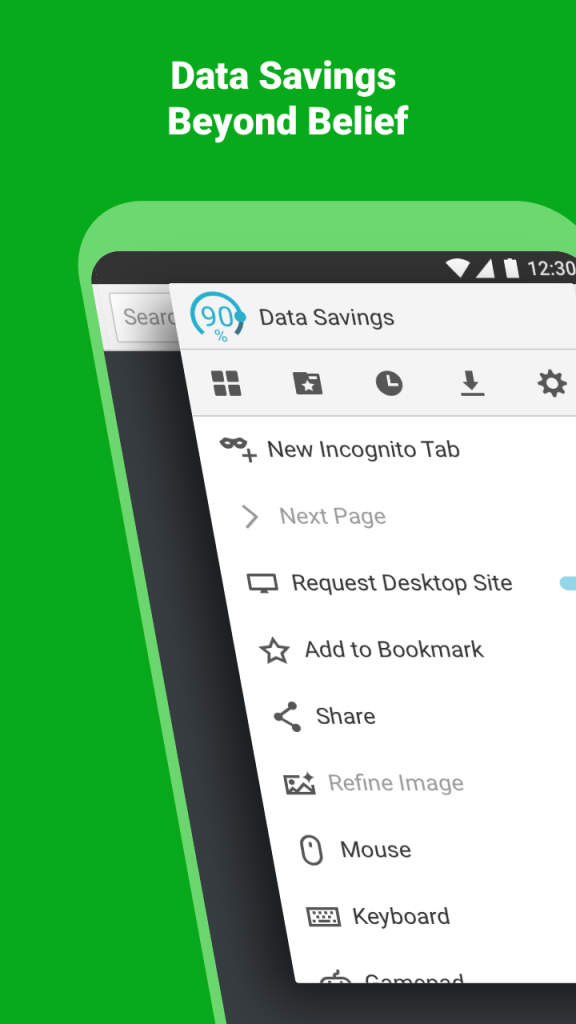
Because pages are compressed before delivery, Puffin significantly reduces the amount of mobile data used during browsing. Users can adjust the compression level to balance visual quality against data savings. This proves especially useful for anyone browsing on a limited or metered data plan.
Virtual Mouse Cursor and Game Pad Controls
Puffin includes a virtual mouse cursor mode that displays an on-screen pointer, letting the phone behave more like a desktop computer for certain interactions. A game pad overlay is also available for titles that expect keyboard or controller input rather than touch controls. Both tools address compatibility gaps that standard mobile browsers typically cannot solve.
Private Browsing Mode
A built-in private browsing mode prevents history, cookies, and site data from being stored locally after the session ends. This works similarly to incognito modes found in other mainstream browsers. Since page content still routes through Puffin’s cloud servers, this privacy protection applies to the local device rather than the browsing infrastructure itself.
Fast Video Streaming Support
Puffin Browser server-side processing helps video content buffer and play more smoothly on devices that would otherwise struggle with decoding. This benefit is most noticeable on older phones with limited processing power. Video quality can be adjusted manually to balance smoothness against data usage.
Cross-Platform Availability
Beyond Android, Puffin offers desktop applications for Windows and macOS, letting users maintain a consistent browsing tool across devices. This cross-platform reach appeals to users who want the same compression and performance benefits on a laptop or desktop machine. Account-based sync features vary depending on the specific platform and subscription tier in use.
App Requirements Before Installation
A few basic checks help the installation go smoothly. Review the table below before starting the download.
| Requirement | Details |
|---|---|
| Android Version | Android 5.0 or higher |
| Free Storage | At least 80 MB recommended |
| Internet | Stable Wi-Fi or mobile data required, since rendering occurs remotely |
| RAM | 1 GB minimum for smooth performance |
| Account | Required for subscription-based unlimited access |
Info Box: Before You Install Confirm the phone has enough battery to avoid interruption during setup. Close other heavy apps to free up memory during installation. Since Puffin relies on constant server communication, a stable and reasonably fast connection matters more here than with browsers that render pages locally.
Puffin Browser Subscription and Pricing Overview
Puffin Web Browser remains free to download, but unlimited browsing now requires a paid subscription following changes made by CloudMosa. The table below summarizes the current pricing structure.
| Plan | Price | Access Level |
|---|---|---|
| Free Trial | No cost | Limited browsing time or features |
| Monthly Subscription | Approximately $0.99 per month | Unlimited browsing access |
| Business Plan | Custom pricing | Web filtering, access controls, admin features |
This shift toward a subscription model marks a significant change from Puffin’s earlier fully free positioning. Users evaluating the app in 2026 should factor in this ongoing cost rather than expecting the completely free experience associated with its early years. The business tier adds administrative controls aimed at organizations rather than individual users.
How to Download and Install Puffin Browser APK
Follow these steps in order to avoid installation errors.
- Enable Unknown Sources – Open phone Settings, go to Security, and allow installation from unknown sources if installing outside the Play Store.
- Download the APK – Get the Puffin Browser APK file from a trusted source, or open the Play Store listing directly.
- Open the File – Locate the APK in the Downloads folder and tap it to begin installation.
- Grant Permissions – Allow access to storage and network permissions when prompted during setup.
- Set Up an Account – Create an account if prompted, and review subscription options for unlimited access.
Info Box: Common Install Errors “App Not Installed” usually means an older version conflicts with the new file. Uninstalling the previous version, though it risks losing locally saved bookmarks without backup, often resolves this. Corrupted downloads can also cause this error, so a fresh download from the same source is worth trying.
Why Users Choose Puffin Browser
Puffin Browser biggest draw remains its usefulness on older or lower-powered devices that struggle with heavy modern web pages. Because rendering happens remotely, phones with limited processing power still handle complex sites reasonably well. This advantage explains why some users continue to rely on it despite the shift to a subscription model.
Data-conscious users also gravitate toward Puffin for its compression benefits. In addition, the ability to adjust image and video quality gives users direct control over how much data a browsing session consumes. For anyone on a strict data plan, this level of control carries real practical value.
Specific compatibility needs round out the remaining use cases. The virtual mouse cursor and game pad overlay solve real problems for niche content that expects desktop-style input. As a result, Puffin tends to attract a smaller but dedicated group of users with these specific technical needs rather than casual browsers seeking an everyday default.
Puffin Browser Pros and Cons
| Pros | Cons |
|---|---|
| Strong performance on older devices | Requires subscription for unlimited access |
| Significant data compression | No longer available on iOS |
| Virtual mouse cursor and game pad support | Blocked in several countries |
| Smooth video streaming on weak hardware | Content routes through third-party cloud servers |
| Cross-platform availability | Smaller extension and feature set than mainstream browsers |
| Private browsing mode included | Some sites detect and restrict Puffin as a proxy |
How to Use Puffin Browser After Installation
Getting started takes only a few minutes once the app is installed.
If pages load slowly, check the internet connection first, since rendering depends entirely on a stable link to Puffin’s servers. Sites that behave unexpectedly may be detecting Puffin’s cloud infrastructure as a proxy connection, which can restrict certain features. A restart combined with the latest version update resolves most remaining glitches.
How to Update Puffin Browser
Keeping Puffin Browser updated protects against security vulnerabilities and ensures access to the newest features. The steps below outline the standard method.
- Open Play Store – Navigate to the Play Store app and search for Puffin Web Browser.
- Check for Updates – Tap Update if a newer version is available.
- Install Automatically – Enable auto-update in Play Store settings for future versions.
- Manual APK Alternative – Download the latest APK directly if Play Store access is unavailable.
Info Box: What Happens If You Skip Updates Older Puffin Browser versions gradually lose compatibility with the current cloud-rendering infrastructure over time. Missing security patches also raises exposure to known vulnerabilities. Outdated builds tend to experience more frequent connection errors and slower page rendering.
Puffin Browser Availability by Region
Puffin Browser is blocked or restricted in several countries due to local internet regulations. The table below summarizes known regional restrictions.
| Region | Status |
|---|---|
| China | Blocked |
| Iran | Blocked |
| Qatar | Blocked |
| United Arab Emirates | Blocked |
| United Kingdom | Restricted under the Digital Economy Act |
| Most other regions | Generally available |
These restrictions largely stem from Puffin’s proxy-like architecture, which routes traffic through CloudMosa’s servers in a manner similar to a VPN. Users in restricted regions should check current local regulations before attempting installation. Availability can also change over time as regional policies are updated.
Puffin Browser vs Other Browsers
| Feature | Puffin Browser | Opera Browser | UC Browser |
|---|---|---|---|
| Rendering Location | Cloud servers, remote | Device, with server-based compression | Device, with cloud compression |
| Cost Model | Free trial, then subscription | Fully free | Fully free |
| iOS Availability | No | Yes | Limited |
| Regional Restrictions | Blocked in several countries | Broadly available | Restricted in some regions |
| Desktop-Style Controls | Yes, mouse cursor and game pad | No | No |
| Data Compression | Strong, server-rendered | Strong, server-based | Strong, cloud-based |
Puffin Browser Alternatives
Users who want a different balance of performance and cost sometimes explore other options as well.
- Opera Browser – Offers strong compression and a free VPN without a subscription requirement.
- UC Browser – Provides similar data-saving compression with a fully free pricing model.
- Google Chrome – Delivers the widest compatibility and deepest ecosystem integration.
- Via Browser – Focuses on an extremely lightweight footprint for very low-end devices.
Each alternative shares a general focus on either performance or data efficiency while differentiating through pricing model, regional availability, or ecosystem integration. The right choice generally depends on whether cost, device compatibility, or broader feature access matters most to the user.
Who Should Use Puffin Browser?
Puffin Browser suits users running older or lower-powered Android devices that struggle to render complex modern websites locally. It fits well for anyone who values the specific virtual mouse cursor or game pad tools for niche desktop-style content. Users on strict data plans may also find the compression benefits worthwhile despite the subscription requirement.
It also appeals to users comfortable with a cloud-rendering privacy trade-off, since traffic necessarily routes through CloudMosa’s servers as part of normal operation. In addition, cross-platform availability makes it a reasonable choice for anyone wanting a consistent tool across Android, Windows, and macOS devices. Business users may find the administrative control tier useful for managed environments.
That said, Puffin is not the ideal choice for everyone. Users unwilling to pay a subscription fee, or those located in one of the several countries where the app faces regional restrictions, are better served by an alternative like Opera or UC Browser. Anyone prioritizing local rendering and minimal third-party data routing may also prefer a more conventional browser instead.
Puffin Browser Privacy Considerations
Puffin’s cloud-rendering architecture means browsing data necessarily passes through CloudMosa’s servers before reaching the device. This differs meaningfully from standard browsers, where rendering happens locally without a third party processing page content. Users should factor this into their privacy expectations before relying on Puffin for sensitive browsing.
The company does offer a private browsing mode that prevents local storage of history and cookies after a session ends. However, this local protection does not eliminate the fact that traffic still routes through remote servers during normal operation. Reviewing CloudMosa’s privacy policy directly is worthwhile for users with specific data-handling concerns.
Connections over insecure HTTP can still be monitored by third parties despite Puffin’s server-side processing model. Sticking to HTTPS-secured sites wherever possible adds an important layer of protection regardless of which browser is in use. This consideration applies to Puffin just as it does to any other browsing tool.
Frequently Asked Questions
Yes, downloading Puffin Web Browser is free. However, unlimited browsing now requires a paid monthly subscription following changes made by CloudMosa.
No, Puffin Browser is no longer available on iOS. CloudMosa discontinued the iOS version after Apple’s update policies made continued support impractical.
CloudMosa shifted to a subscription model to sustain the infrastructure costs of cloud-based rendering. The free trial offers limited access before the subscription becomes necessary for unlimited use.
Downloading directly from a verified official source is generally safe. However, third-party sites should be avoided since they may distribute modified or outdated files with added risk.
Puffin is restricted in several countries, including China, Iran, Qatar, and the United Arab Emirates, due to local internet regulations. The United Kingdom also restricts it under the Digital Economy Act.
Puffin’s server-side rendering causes some sites to detect it as a proxy connection rather than a standard browser. This can limit access to certain destination addresses or specific website features.
No, Flash support was industry-wide retired and is no longer relevant to any modern browser, including Puffin. This was historically one of Puffin’s early standout features before Flash’s discontinuation.
Checking the internet connection is the first step, since page rendering depends entirely on communication with Puffin’s servers. Switching to a stronger network typically resolves most speed issues.
Yes, Puffin offers desktop applications for Windows and macOS in addition to the Android app. Feature availability may vary slightly between platforms.
Puffin’s cloud-rendering model means browsing traffic passes through CloudMosa’s servers as part of normal operation. Users with strict privacy requirements should review this trade-off carefully before relying on the app for sensitive browsing.
Final Verdict
Puffin Browser offers a genuinely different approach to mobile browsing through its cloud-rendering architecture, which benefits older devices and data-conscious users. Its strength lies in strong compression, smooth performance on weaker hardware, and unique tools like the virtual mouse cursor. The shift to a subscription model and its absence from iOS mark meaningful changes from its earlier, more widely used era.
Users comfortable with the subscription cost and the privacy trade-offs of server-side rendering may still find real value in specific use cases like older-device compatibility. For most users seeking a fully free, broadly available browser, alternatives like Opera or UC Browser may prove more practical in 2026. Downloading directly from the Play Store or a verified official source ensures the safest and most reliable installation experience.